Account protection
Should you keep passwords and authenticator codes together?
One place can be convenient; separate tools can work well too. Look at your devices, sync accounts and recovery setup before deciding.
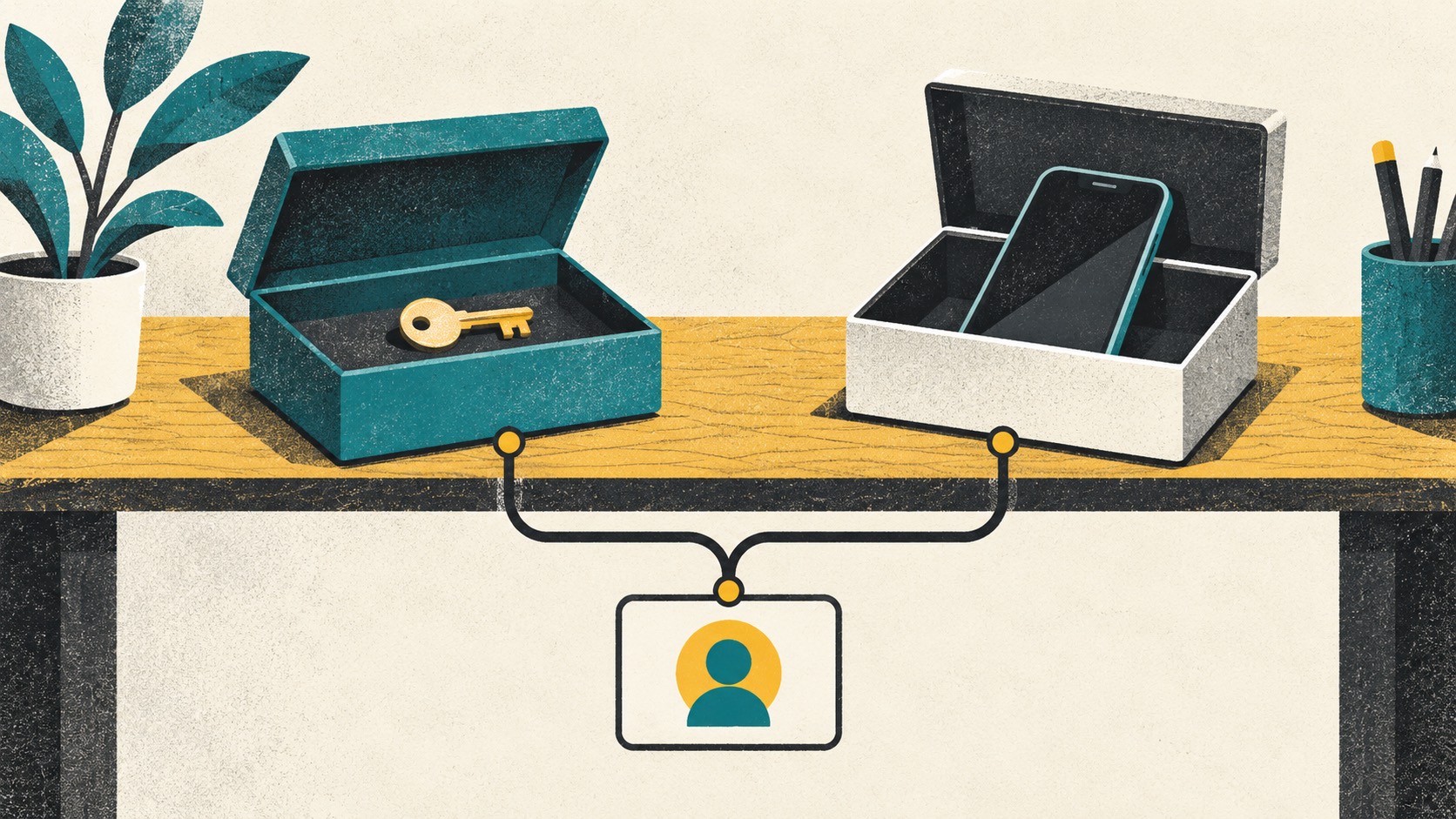
Choose around how you protect and recover your accounts. Could you sign in after losing a device? How would you recover the sync account? Answer those questions, then decide whether one tool or separate tools suit you.
In this article
Think through signing in after losing a device
Loss, casual access by another person, malware and cloud-account compromise are different events. Without a stated concern, neither combination nor separation is universally the better answer.
Give email, financial and administrative accounts their own requirements. Lower-impact accounts can prioritize usability within the limits you have chosen.
Separate apps? Check their sync accounts too
If both apps open on the same unlocked device or both recover through one mailbox, separate icons do not remove every shared dependency.
Additional synchronized devices improve availability but also create endpoints to protect and retire. Device count is not a simple security score.
Keep recovery material somewhere independently accessible
Separate recovery material from the only device, and check fallback access to the password vault itself. Avoid storing a backup passphrase only behind the very backup it unlocks.
Map what each recovery step requires without writing the secrets on the map. The purpose is to find circular dependencies, not to create a new master collection of credentials.
Pair your password manager with Authenticator Cloud
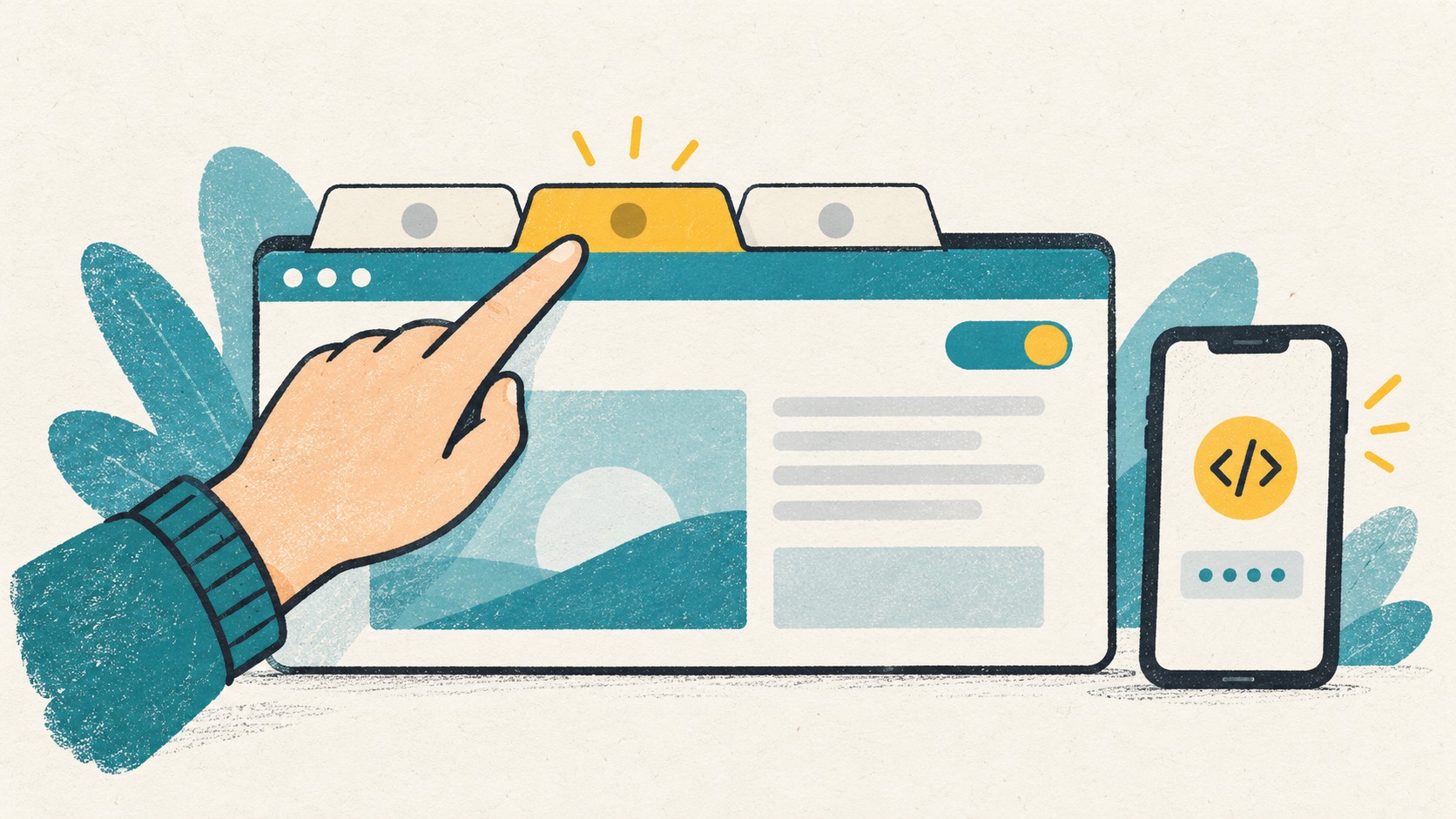
Keep the password manager you like and use Authenticator Cloud for rotating codes. On a computer, fill the password with your password manager, then open the extension for the code.
If you use both phone and desktop, activate Pro, sign into the same account in the app and extension, and complete a sync. Store website recovery codes separately so they are easy to find during a move or account recovery.
References
See the official guides above for detailed setup instructions.

Use Authenticator Cloud alongside your password tool, with code access right in the browser.