 Featured story
Google, Microsoft or Authy: choosing an authenticator
Want an easier phone upgrade, or codes right on your computer? Compare sync, migration and desktop use across familiar authenticators.
 Authenticator Cloud
Authenticator Cloud Journal
Two-factor authentication, digital security and practical guides.
Featured storyWant an easier phone upgrade, or codes right on your computer? Compare sync, migration and desktop use across familiar authenticators.
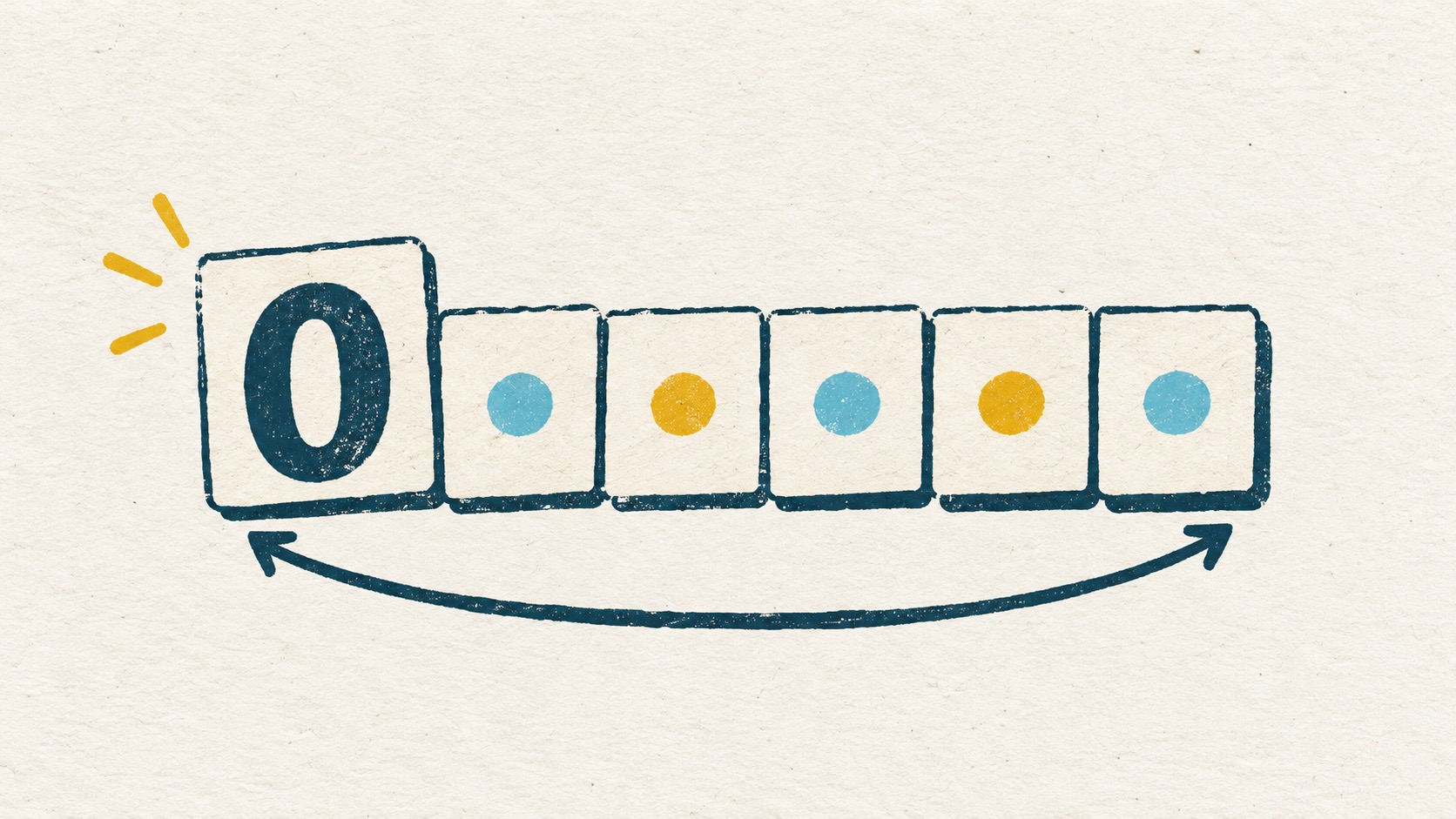
A six-digit code beginning with zero still has six digits. See why the first zero matters and how converting a code to a number can lose its original length.
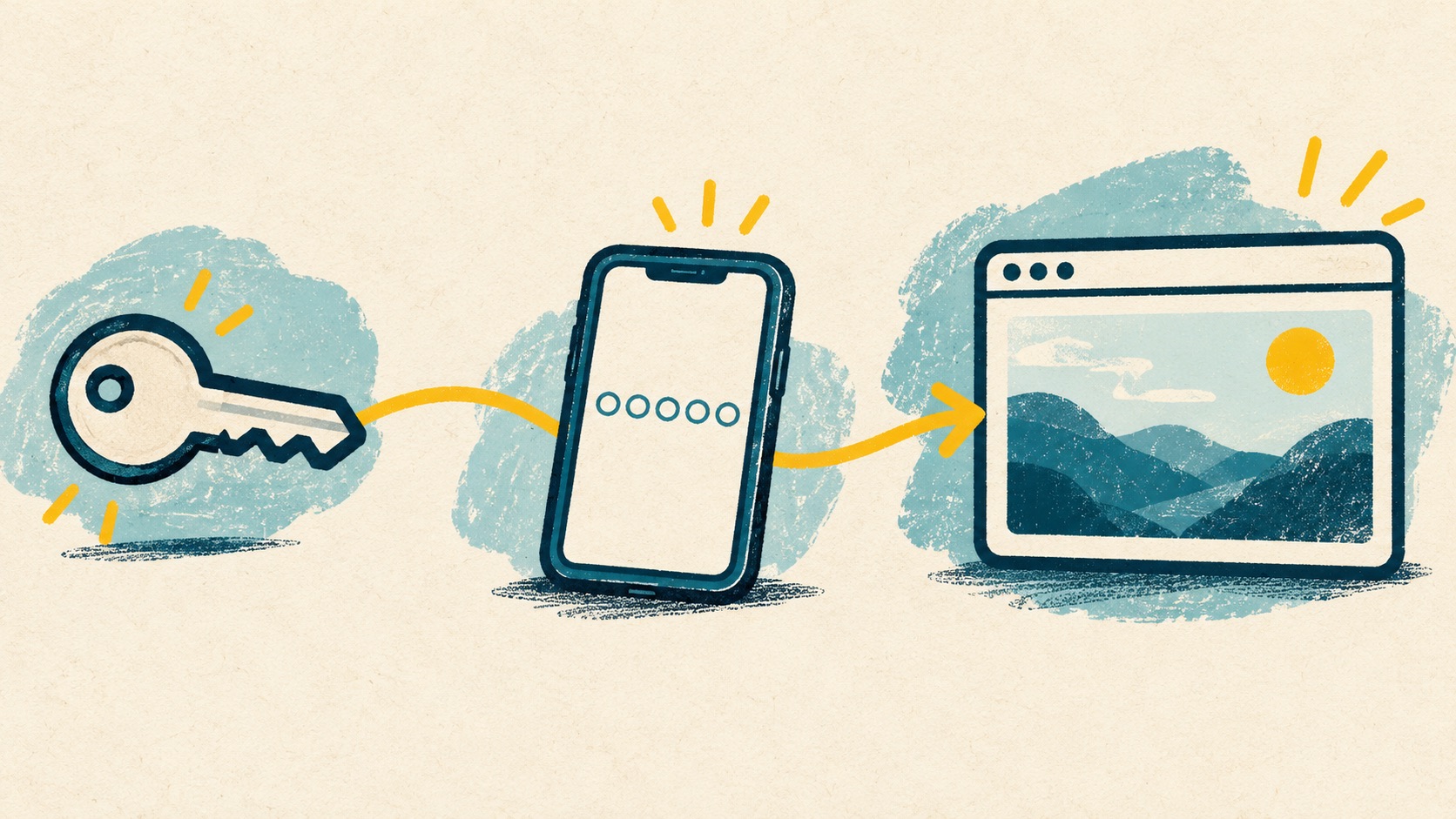
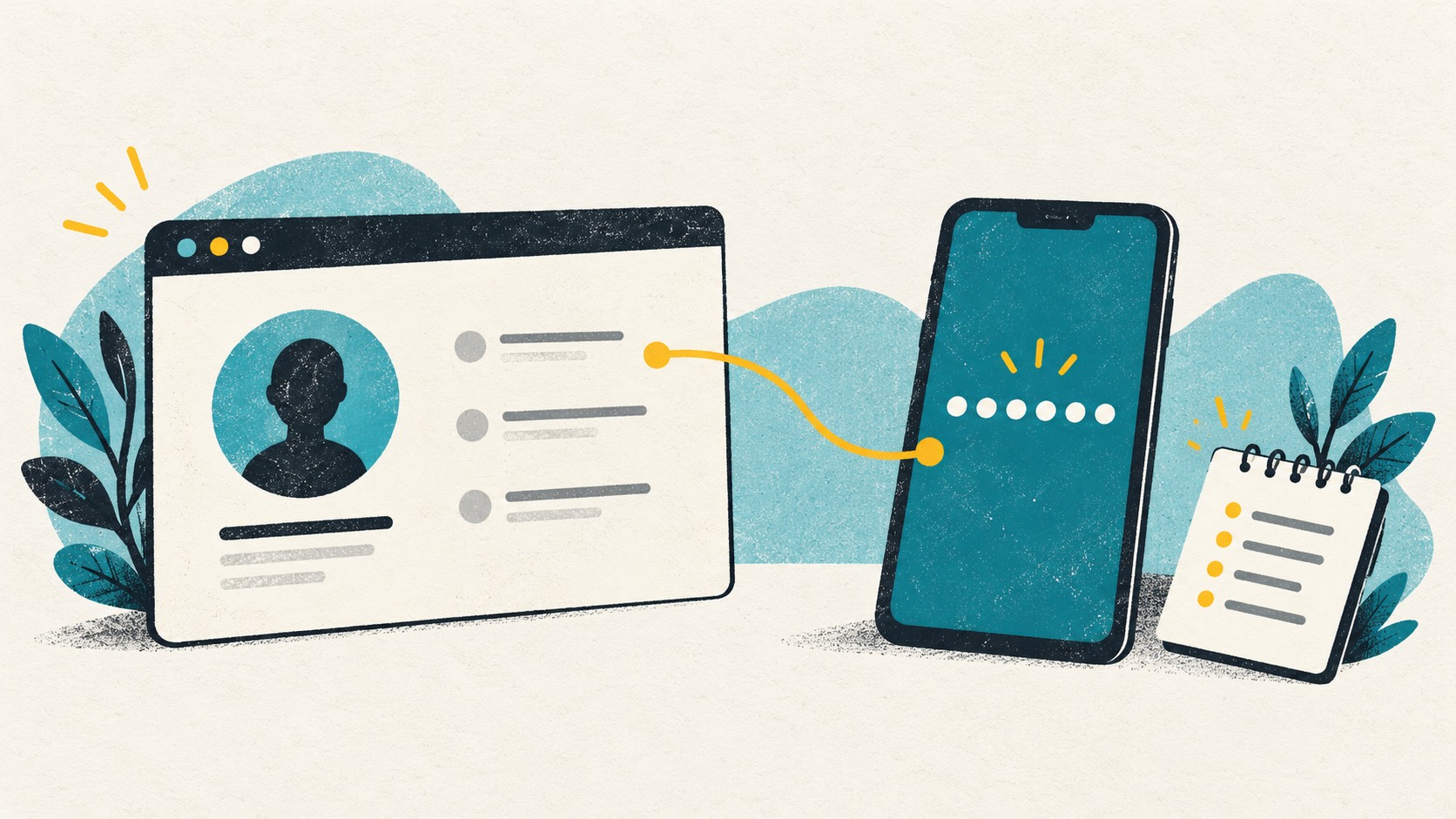
Your password was accepted, but the website still wants a code. Follow a typical sign-in to see how the password, authenticator code and session fit together.
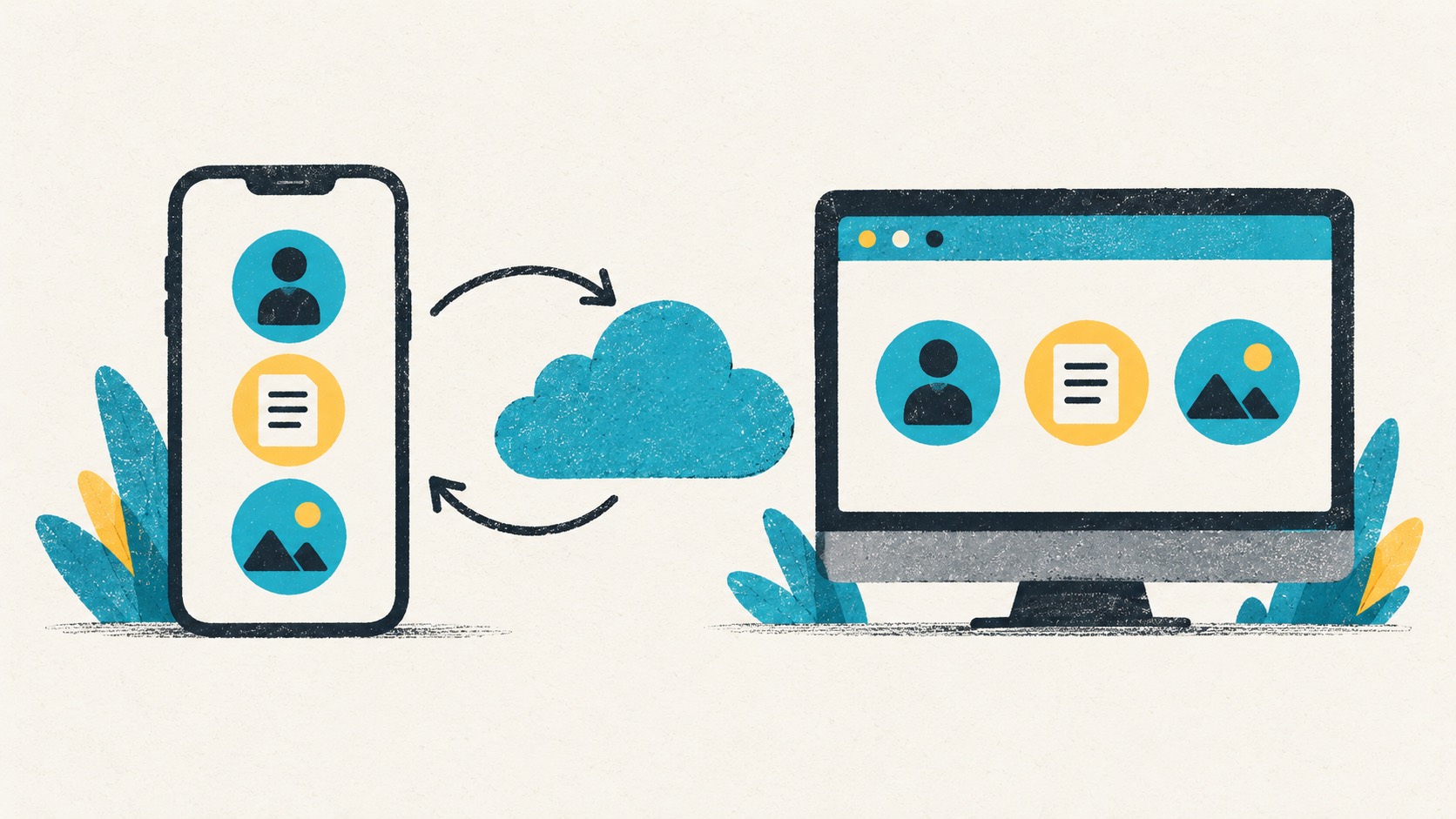
Add an account on your phone and use it on your computer. Pro sync keeps the app and browser extension working together.
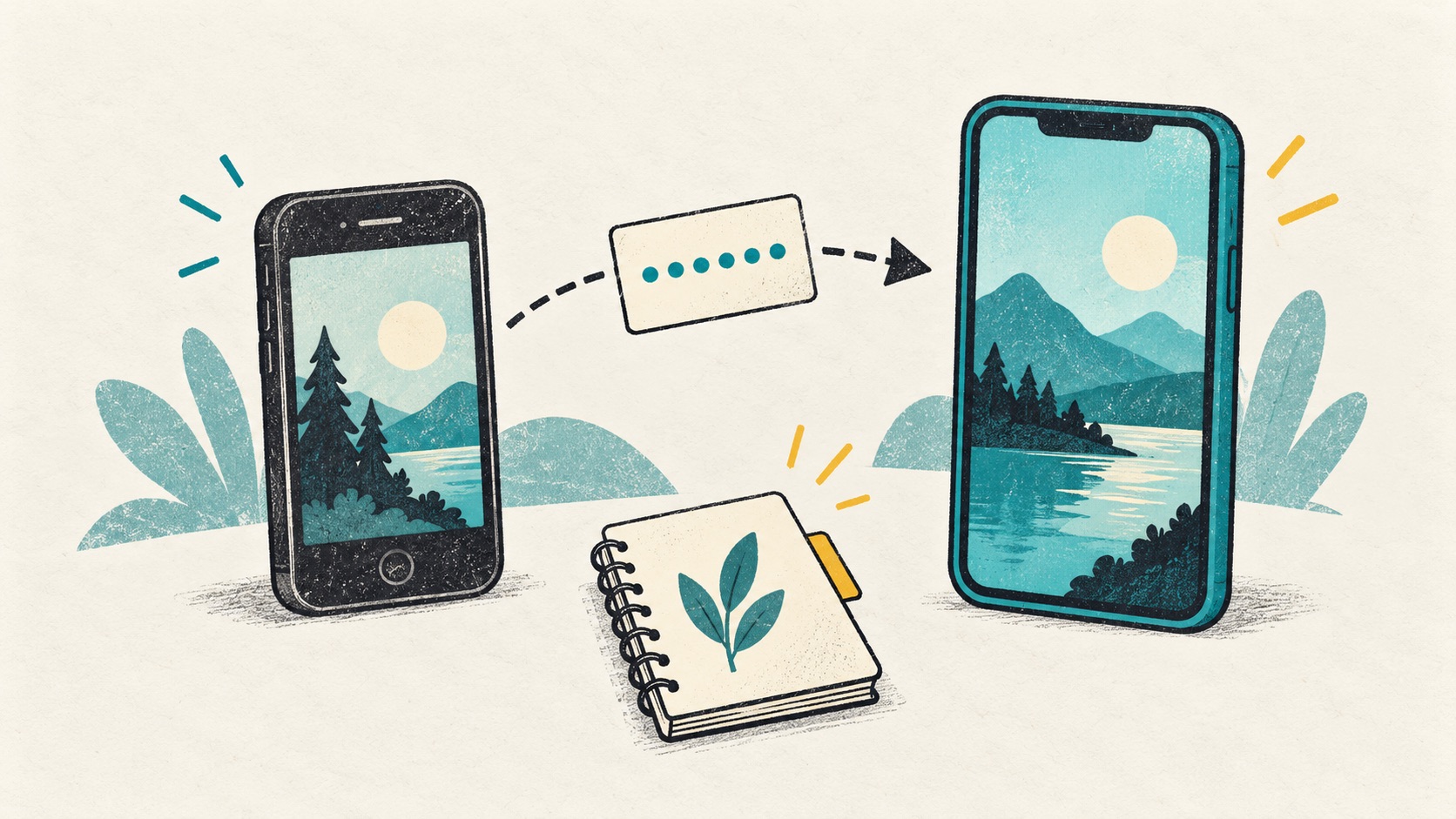
With the old phone, start with transfer. Without it, look for sync, backups and recovery codes. Find the next step for your situation.
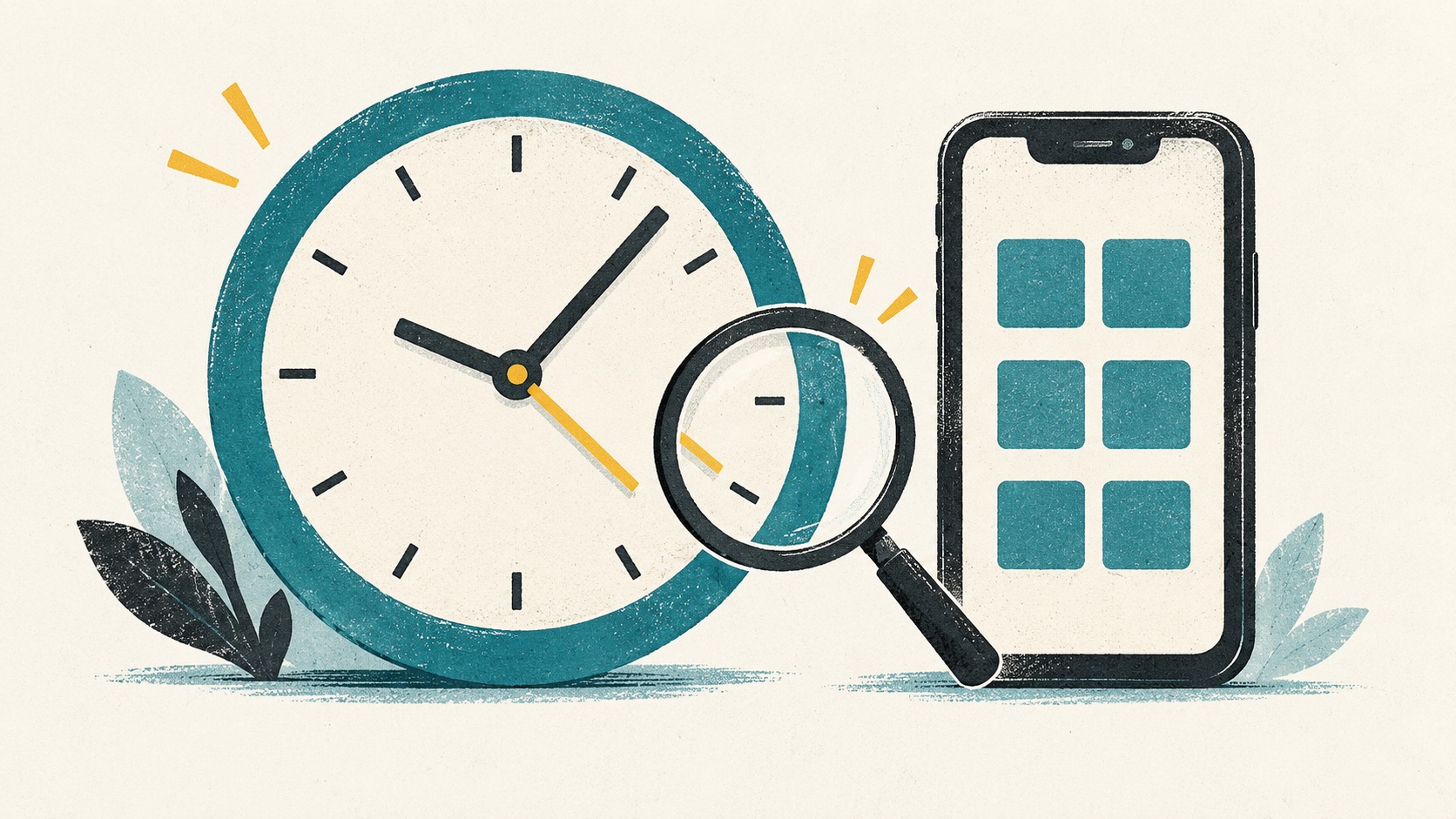
The numbers look right, but the website rejects them. Check the account, countdown and device clock before setting everything up again.
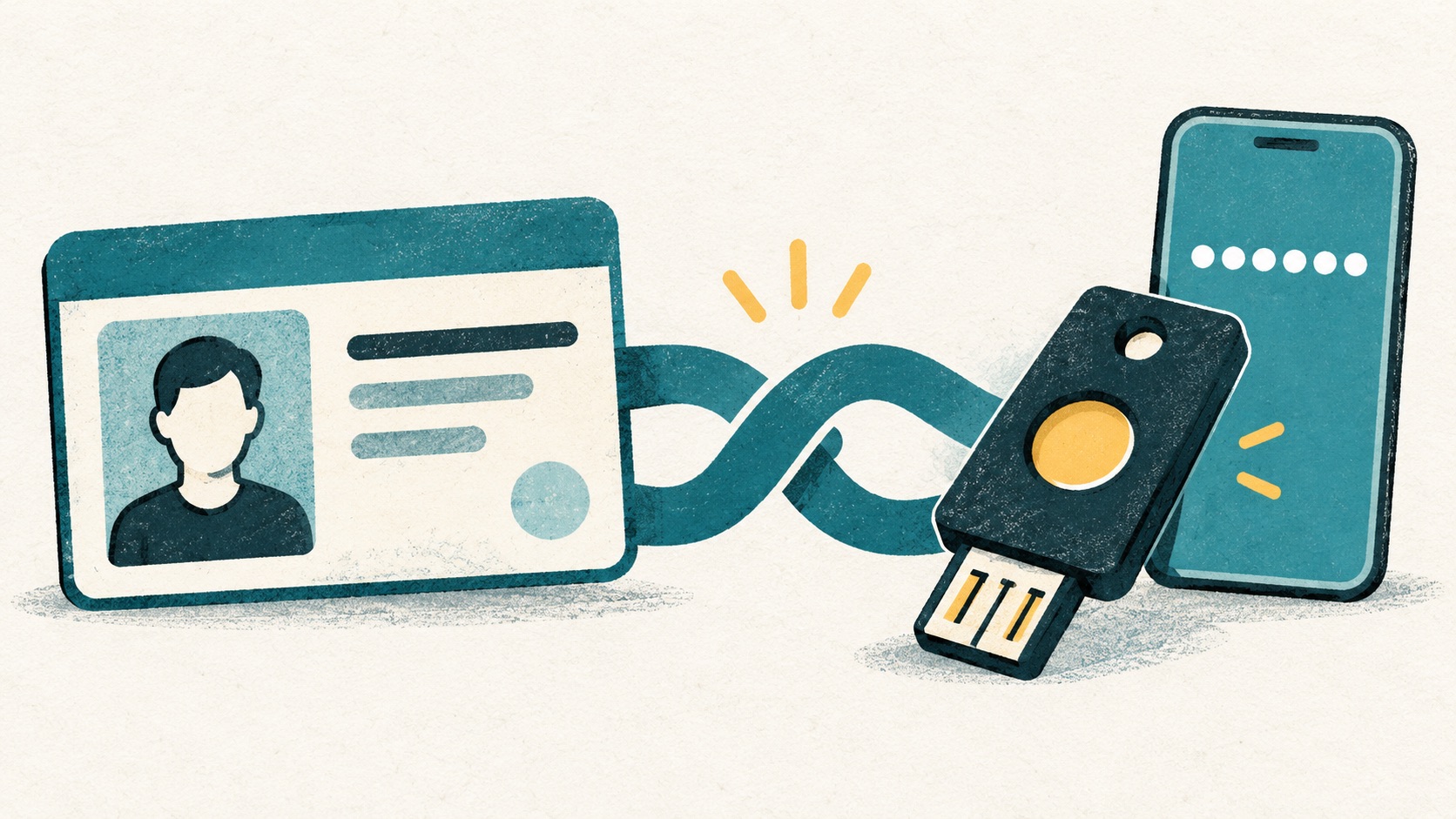
An extra sign-in check can take several forms. Here is how text messages, rotating codes and passkeys fit into everyday use.

Requests for codes can arrive disguised as help with refunds, account locks or troubleshooting. Here is how to respond.
Open two-step verification, scan the setup QR and confirm a code. Clear labels help when you use several Google accounts.
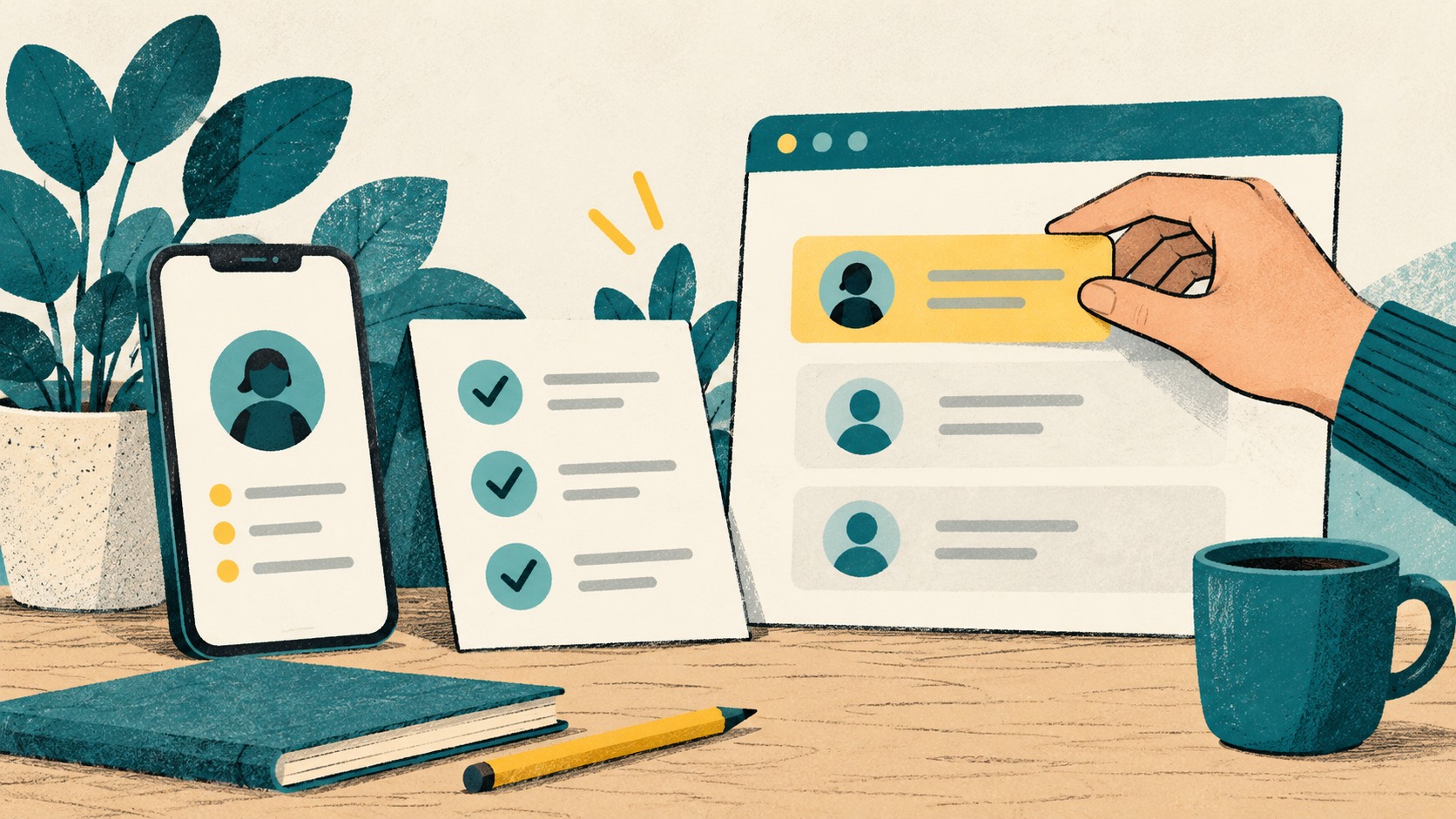
Open a website's two-factor settings, scan its QR and enter a code to finish. Here is the process from the start.

These backup codes can help when your phone is unavailable. Store them separately from everyday codes so you can find them when needed.
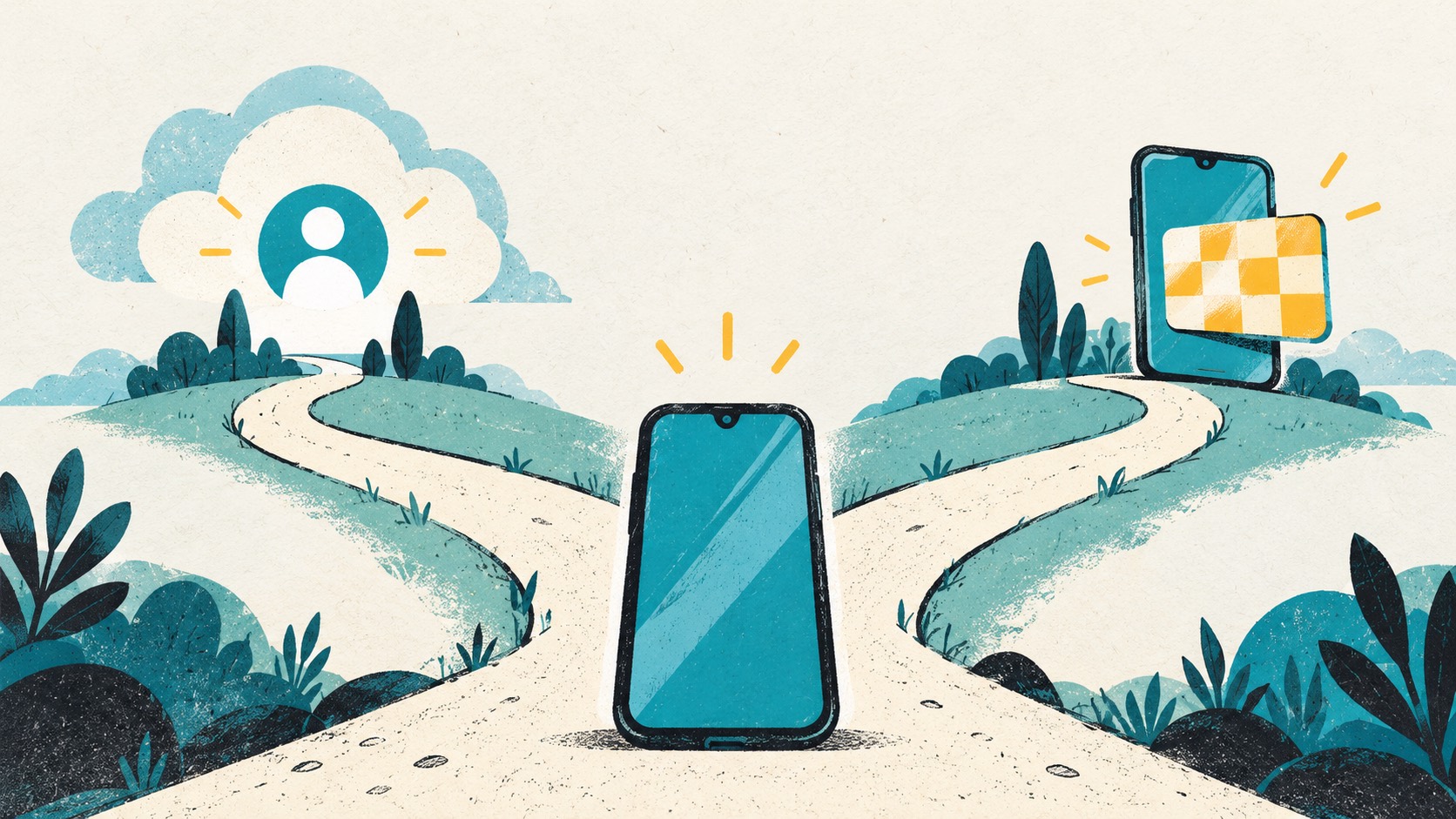
Do you still have the old phone, and were you using account sync? Those two questions help you choose the next step.
 ChromeChrome Web Store
Install
ChromeChrome Web Store
Install
 EdgeMicrosoft Edge Add-ons
Install
EdgeMicrosoft Edge Add-ons
Install
 FirefoxFirefox Add-ons
Install
FirefoxFirefox Add-ons
Install
 SafariiPhone / iPad / Mac
Coming soon
SafariiPhone / iPad / Mac
Coming soon