Product comparisons
Restoring Microsoft Authenticator on a new phone
Personal accounts, work accounts and passwordless sign-ins can need different steps. Start with the account type and the prompts on your new phone.
Restore the backup on the same device platform using Microsoft's process, then check which accounts need another sign-in. Work or school accounts may also require your organization's registration steps.
In this article
Start with the account type
Entries in the same Authenticator list are not necessarily all ordinary rotating codes. Organization approvals, passwordless sign-in and device registration can have different recovery requirements.
Identify the capability you need: a third-party website code, a corporate approval or a work sign-in. That distinction points to the appropriate official procedure.
What to do when a restored account asks you to sign in
Microsoft distinguishes third-party code entries from capabilities requiring a new sign-in. For work or school accounts, restoring the name does not recreate the original device registration.
An account appearing with an action-required prompt is not automatically evidence of a corrupt backup. Read the prompt, keep other available methods and follow the organization's requirements.
Plan separately when moving between iPhone and Android
Do not assume that a successful iPhone backup restores on Android. The same-platform restriction directly affects a device-change plan.
For work devices, also consider administrator policy, managed applications and future access changes. Do not base organizational recovery on an unverified personal assumption.
Plan personal and work accounts separately
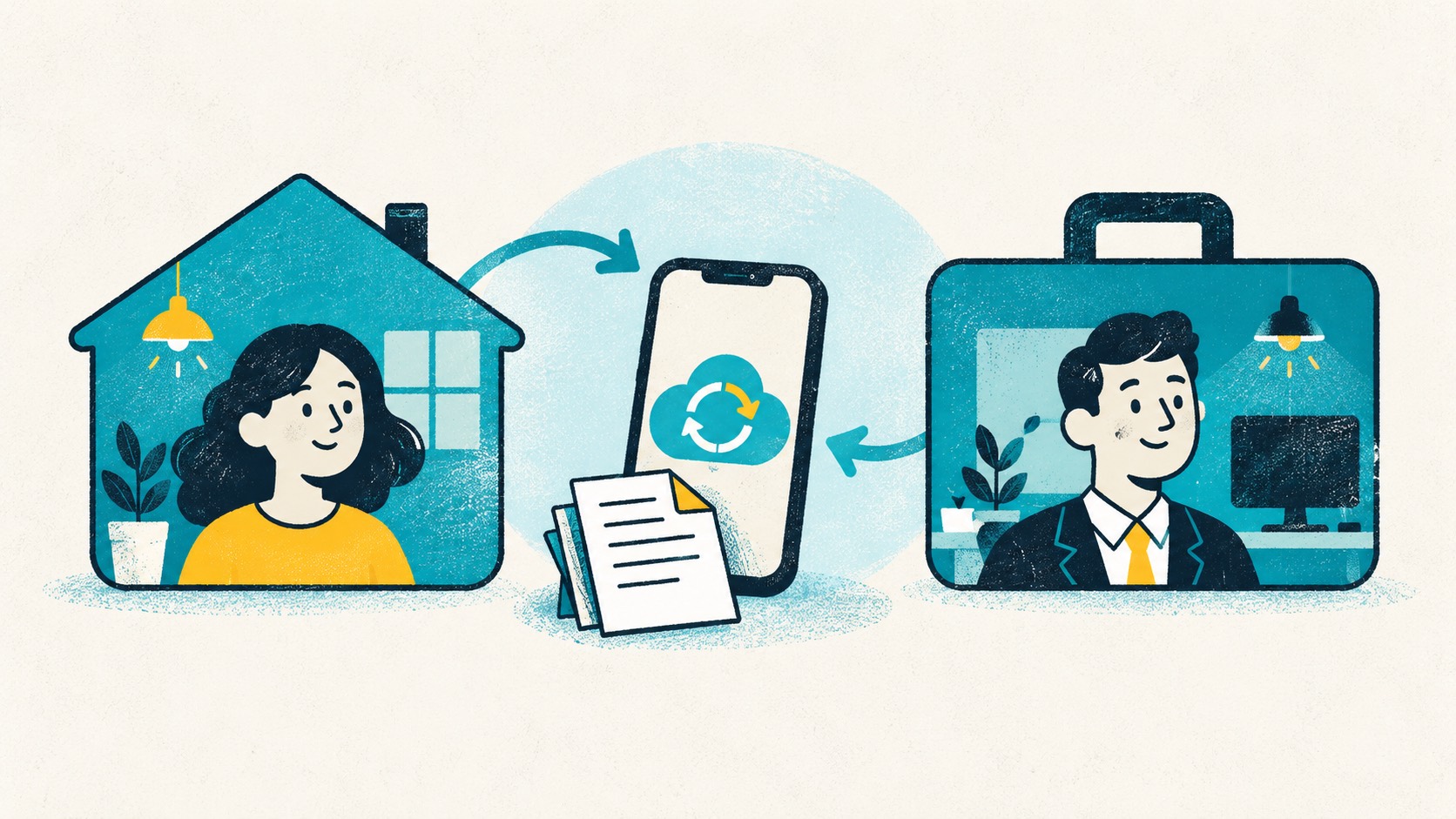
For personal websites using rotating codes, choose the tool that fits your routine. Authenticator Cloud is useful for codes on both phone and browser: local use is free, and Pro syncs entries between the app and extension.
For work or school approval notifications, device registration, or passwordless sign-in, follow your organization's Microsoft setup. Ask your administrator about re-registration before changing phones, and move personal accounts on your own schedule.
References
See the official guides above for detailed setup instructions.

For ordinary TOTP accounts, Authenticator Cloud gives you both a phone app and browser extensions.