Migration & recovery
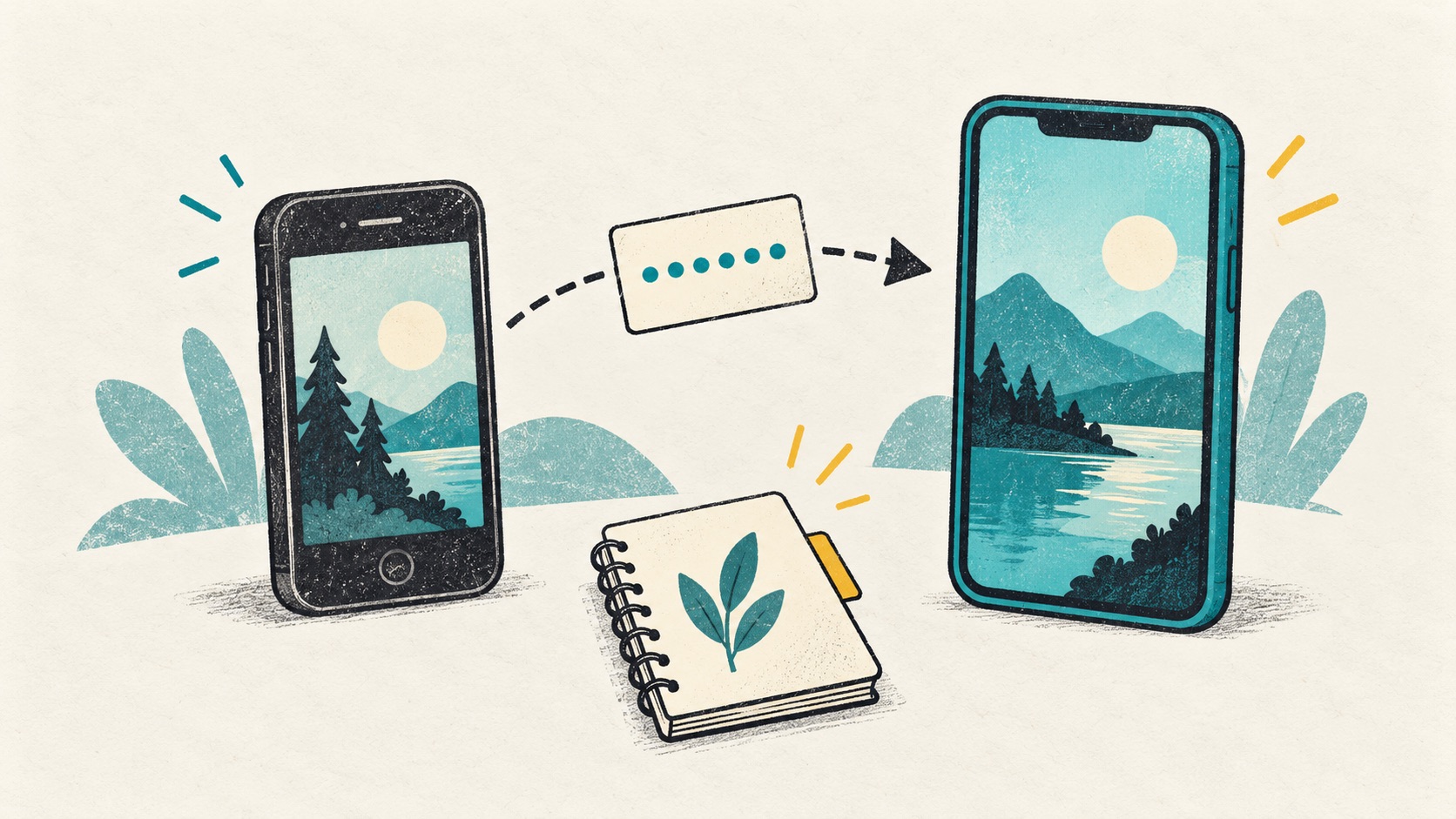
Moving authenticator codes between iPhone and Android
Photos and contacts may have moved, but authenticator entries need a separate check. Keep the old phone until the new one can sign in.

Check the cross-platform options offered by your current authenticator. Use its supported sync or transfer process, or re-enroll at each website while you still have access. Test the new phone before clearing the old one.
In this article
Check your codes after moving photos and apps
Photos, contacts and app icons arriving on a new phone do not prove that every authentication credential arrived. Some methods require fresh device approval or organizational registration.
For each important service, note the current method and app. A working password, accessible email and working second factor are three separate checks.
Install your chosen authenticator on the new phone
Read your current authenticator's transfer guide. Microsoft Authenticator backup restoration requires the same device platform, so switching between iOS and Android needs a separate re-registration plan.
Check that the destination app is available in the new phone's official store, then review its sync or import options. Installing it first lets you finish setup while the old phone still works.
Re-enroll at the website if direct transfer is unavailable
Keep a trusted signed-in session and use the service's own procedure to add or replace an authenticator. Support for multiple authenticators varies, so one universal click sequence would be misleading.
Verify the new phone with the service and check whether recovery material needs replacement. Do not wipe the old phone first or share enrollment QRs with supposed migration support.
A final check before clearing the old phone
Move a small set of accounts at a time and mark the result on your inventory. Prioritize valuable accounts without changing every service's security settings simultaneously.
- The new phone passes a service check, not just a visual code check.
- Independent recovery material is accessible.
- Work accounts meet their administrator's registration requirements.
- Retire the old phone only after those checks are complete.
References
- Microsoft: Restore Authenticator credentials
- Google: Transfer Authenticator codes
- Authenticator Cloud: Available clients
See the official guides above for detailed setup instructions.

Review your account list, completed sync and backup files so the move is easier to follow.