Security basics
MFA passed, so why can't I open this project?
Signing in does not always grant access to a project or file. A fictional workspace shows how authentication and authorization differ and what to check next.
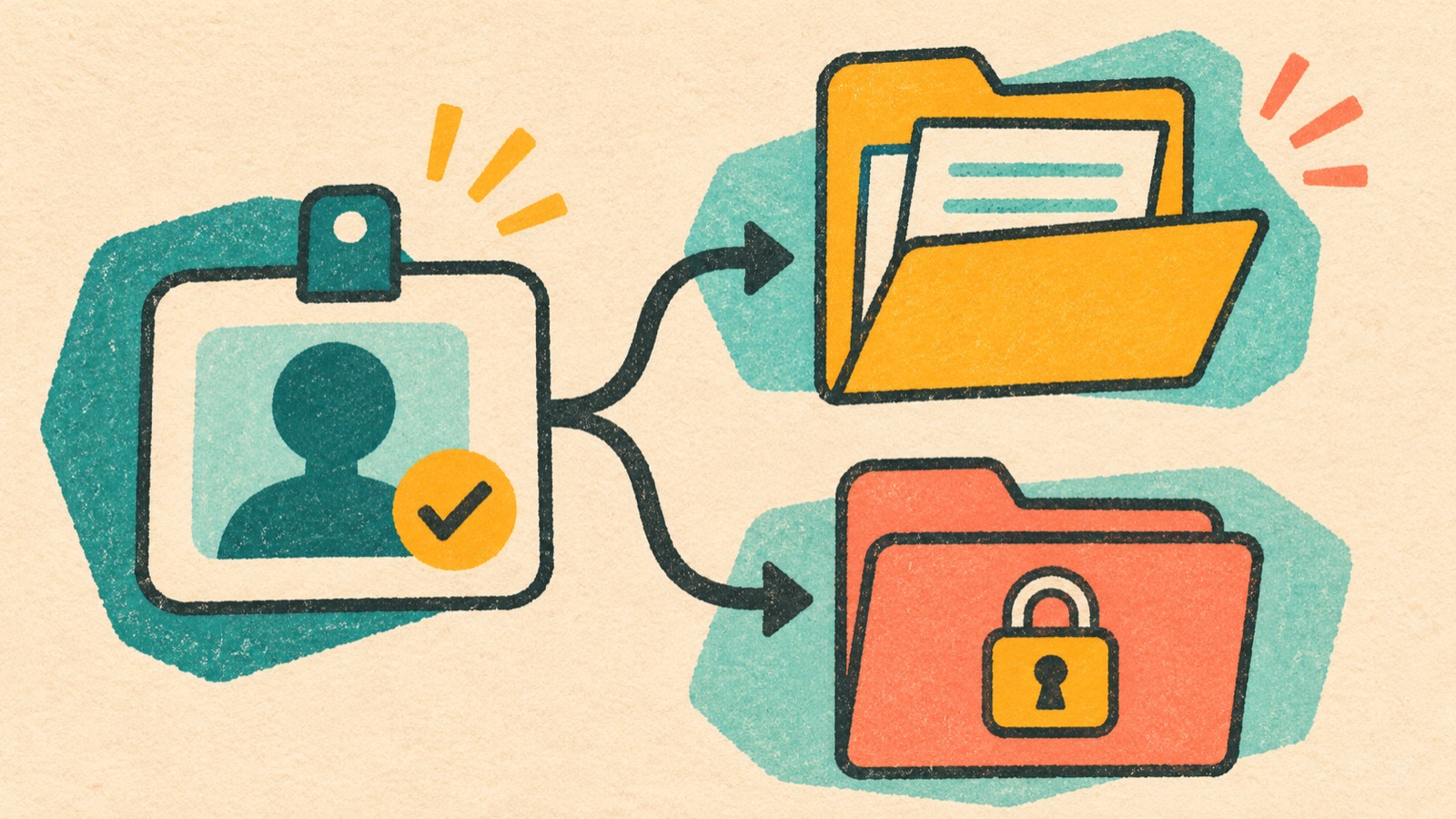
Authentication checks control of the credentials associated with an account. Authorization decides what that account may access or do. Completing MFA does not automatically grant access to other projects or files.
In this article
Which account is this, and what may it do?
A password and authenticator code help a website check the credentials associated with an account. This is authentication, not necessarily verification of someone's legal identity.
The website also decides whether that account may open a file, enter a project or edit its contents. That is authorization. Recognizing an account and allowing a particular action are separate decisions.
Reading a document does not imply permission to edit it
| Action in this example | Allowed? | Basis |
|---|---|---|
| Sign in as [email protected] | After the required credentials pass | Account sign-in requirements |
| Read the project notes | Yes | Read access was assigned |
| Edit the project notes | No | No edit permission |
| Open another project | No | No access to that project |
Consider a fictional workspace. A member signs in as [email protected] and completes MFA. The administrator has given this account permission to read the project notes, but not to edit them or access a different project.
Being able to read the notes while being unable to edit them is consistent with that arrangement. These are illustrative permissions, not settings observed in a real service.
Check the account and workspace before changing your authenticator
For an access-denied message, check whether you signed in with your personal or work account. Then check the workspace, organization and resource link. Being able to sign in with an email address does not mean that account has been invited to a project.
If the page says an invitation or permission is required, give the relevant administrator the resource link and the account you are using. Do not send passwords, setup QR codes or one-time codes. Adding the authenticator again will not create project membership.
- Check the account, especially when personal and work entries share a service name.
- Check that the link points to the intended workspace or project.
- Distinguish a request to authenticate again from a request to obtain resource access.
A 403 response alone does not explain the whole problem
HTTP 403 Forbidden means the server refuses the request. Its reason need not be the account's project permissions. That status alone does not prove that MFA succeeded or identify a setting to change.
Read the service's message. If you are still at the code prompt, check whether it accepted your submission. If you are signed in but one resource is denied, follow the page's account or access instructions. For the earlier stages, see what happens after entering your password in an MFA login.
Choose the matching code, then check the website's response
In Authenticator Cloud, find the entry matching both the service and account before taking its current code. Clear names help when you have several accounts with one service.
After submitting the digits, look at what the website actually returns: another verification prompt, a signed-in page or a resource-permission message. Identifying that step makes the next action clearer.
References
- NIST SP 800-63B: Authentication definition
- OWASP: Authorization and authentication
- RFC 9110, section 15.5.4: 403 Forbidden
See the official guides above for detailed setup instructions.

Follow the setup guide, then find the code for the service and account when you next sign in.