Security basics
SMS, authenticator or passkey: choosing two-factor authentication
An extra sign-in check can take several forms. Here is how text messages, rotating codes and passkeys fit into everyday use.
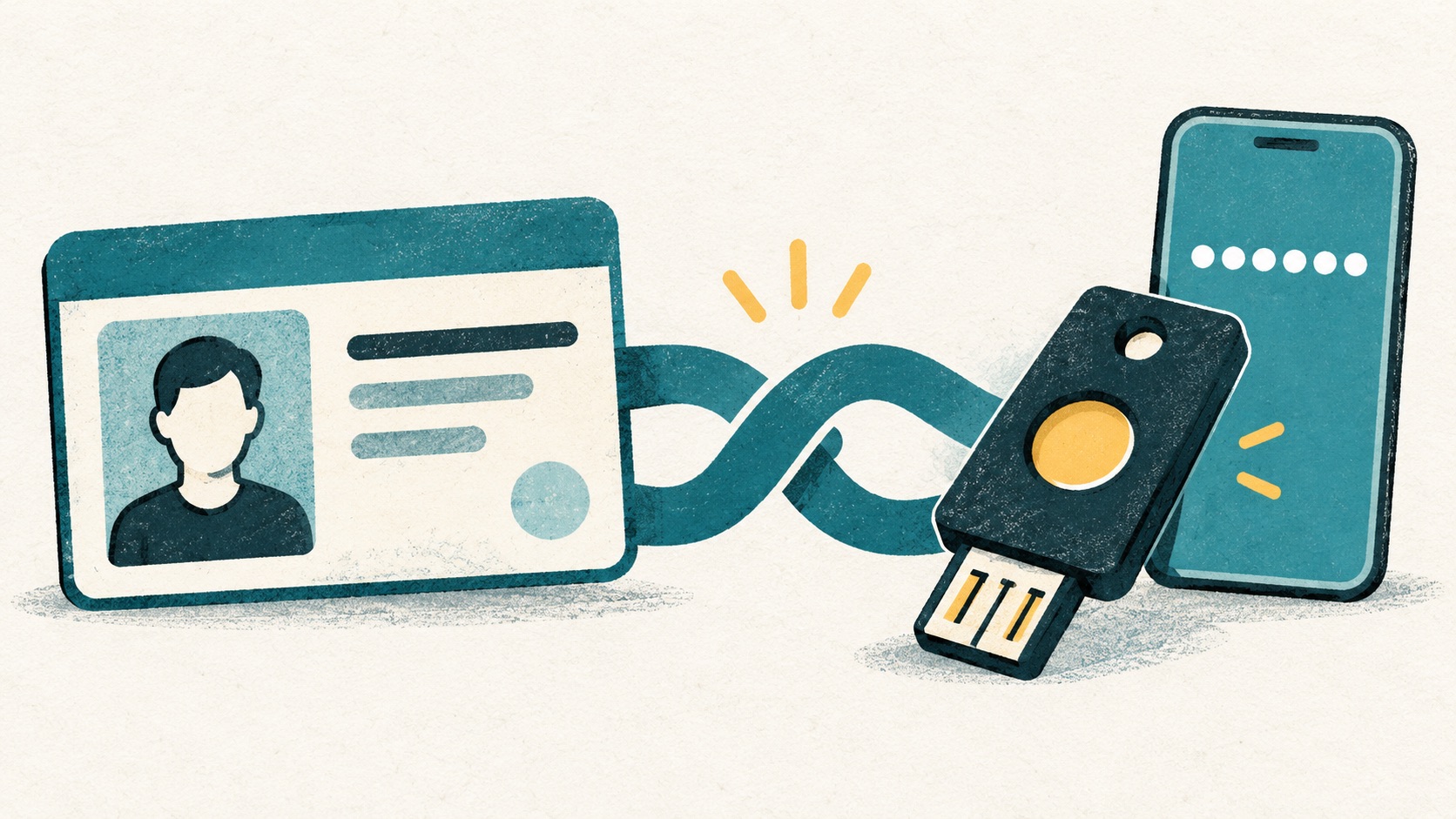
Two-factor authentication adds another identity check alongside a password. Start with the methods the website supports, then choose for your devices and routine. Save the recovery information provided by the service as part of setup.
In this article
What does the extra verification step check?
A password normally proves knowledge of a secret. An authenticator or security key helps prove possession of a credential. Adding another similar security question does not automatically provide the same protection as a separate factor.
A second step adds a check; it does not make the password, recovery mailbox or device irrelevant. Those still need protection.
How the common methods compare
| Method | Everyday use | Consideration |
|---|---|---|
| SMS code | No authenticator installation needed | Depends on phone-number access; not phishing-resistant |
| Authenticator code | Generates codes locally after setup | Needs a recovery plan; codes can still be phished |
| Passkey | Confirm using a device or credential provider | Understand syncing, compatibility and recovery |
| FIDO security key | Confirm with a physical key | Check service support and arrange a backup method |
CISA recommends phishing-resistant MFA. A service accepting a one-time code is not the same as phishing resistance. Where suitable passkeys or FIDO security keys are available, evaluate those options first.
How do passkeys sign you in?
Passkeys use public-key credentials associated with the relevant service. You typically authorize their use by unlocking a device rather than copying a number into a form. FIDO Alliance explains how they work.
The service decides which methods it accepts and whether it asks for additional checks. Installing an authenticator does not add passkey support to an unrelated website.
Choose around the account and its risks
- Protect your primary email first: other account recovery often depends on it.
- For work accounts, follow your organization's policy rather than moving credentials to personal devices without approval.
- Check compatibility and backup access before switching methods. If rotating codes are the available option, inconvenience alone is not a good reason to skip the extra step.
- Avoid keeping your password, second factor and only recovery copy behind a single device or account.
Plan for device changes and backup access before setup
Can you sign in when your phone is out of battery? What remains if the device is lost? Could another user of a shared computer open your authenticator? These questions are more useful than choosing from a ranking alone.
Complete a normal login test and save the recovery options the service offers. Do not begin testing by signing out everywhere or deleting the existing method.
References
See the official guides above for detailed setup instructions.

Follow the Authenticator Cloud setup guide to add an entry and confirm your first code.