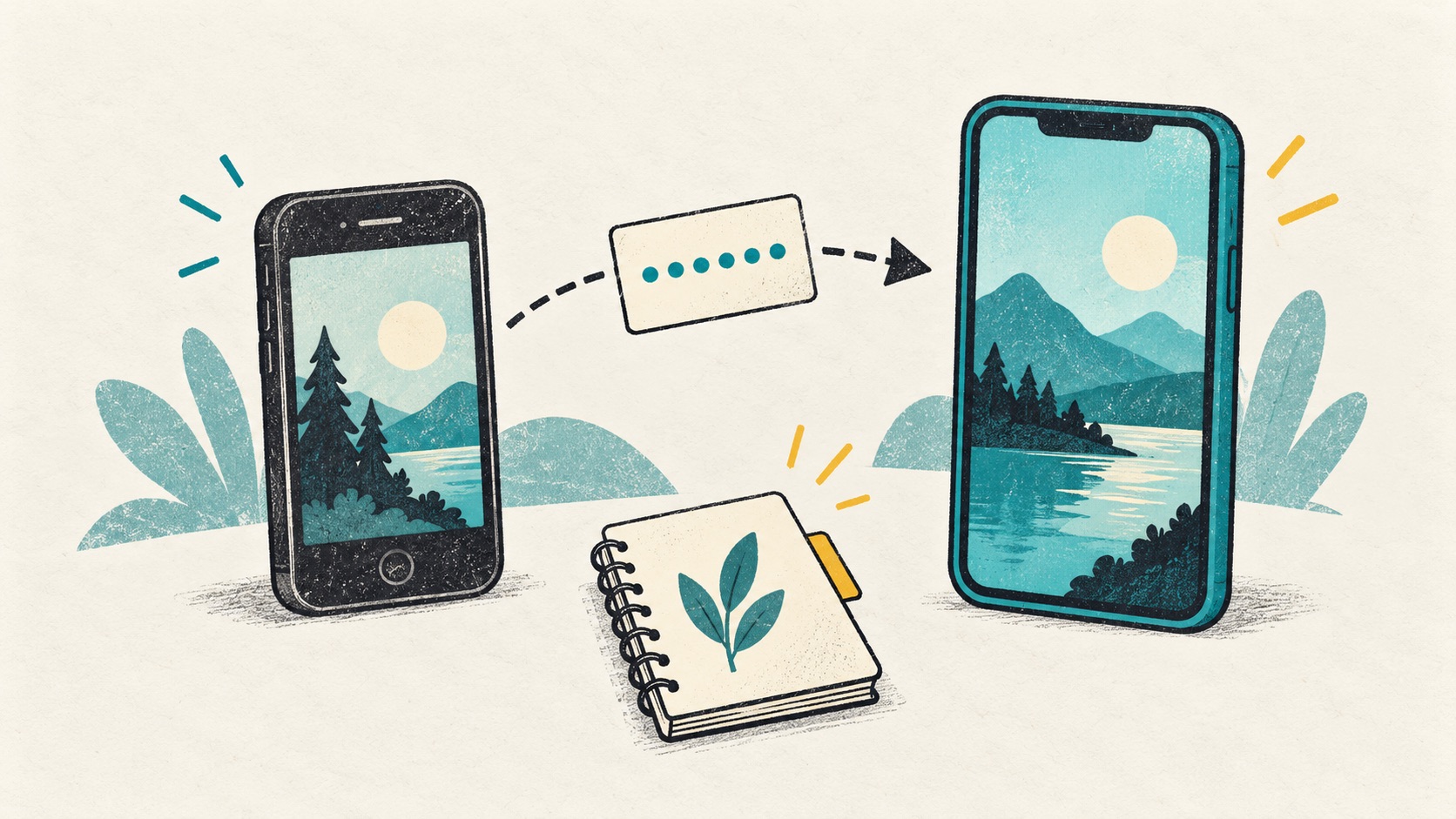
New phone or lost phone: how to get your codes back
With the old phone, start with transfer. Without it, look for sync, backups and recovery codes. Find the next step for your situation.
 Authenticator Cloud
Authenticator Cloud Journal
Two-factor authentication, digital security and practical guides.
With the old phone, start with transfer. Without it, look for sync, backups and recovery codes. Find the next step for your situation.

Before wiping the disk, check browser profiles, backup files and sync. A few minutes now can make the next sign-in much easier.

Find the file, check the passphrase and try importing a test entry. A small rehearsal makes the process familiar before you need it.

Photos and contacts may have moved, but authenticator entries need a separate check. Keep the old phone until the new one can sign in.
 ChromeChrome Web Store
Install
ChromeChrome Web Store
Install
 EdgeMicrosoft Edge Add-ons
Install
EdgeMicrosoft Edge Add-ons
Install
 FirefoxFirefox Add-ons
Install
FirefoxFirefox Add-ons
Install
 SafariiPhone / iPad / Mac
Coming soon
SafariiPhone / iPad / Mac
Coming soon