
Authenticator Cloud: the same codes on your phone and computer
Add an account on your phone and use it on your computer. Pro sync keeps the app and browser extension working together.
 Authenticator Cloud
Authenticator Cloud Journal
Two-factor authentication, digital security and practical guides.
Add an account on your phone and use it on your computer. Pro sync keeps the app and browser extension working together.
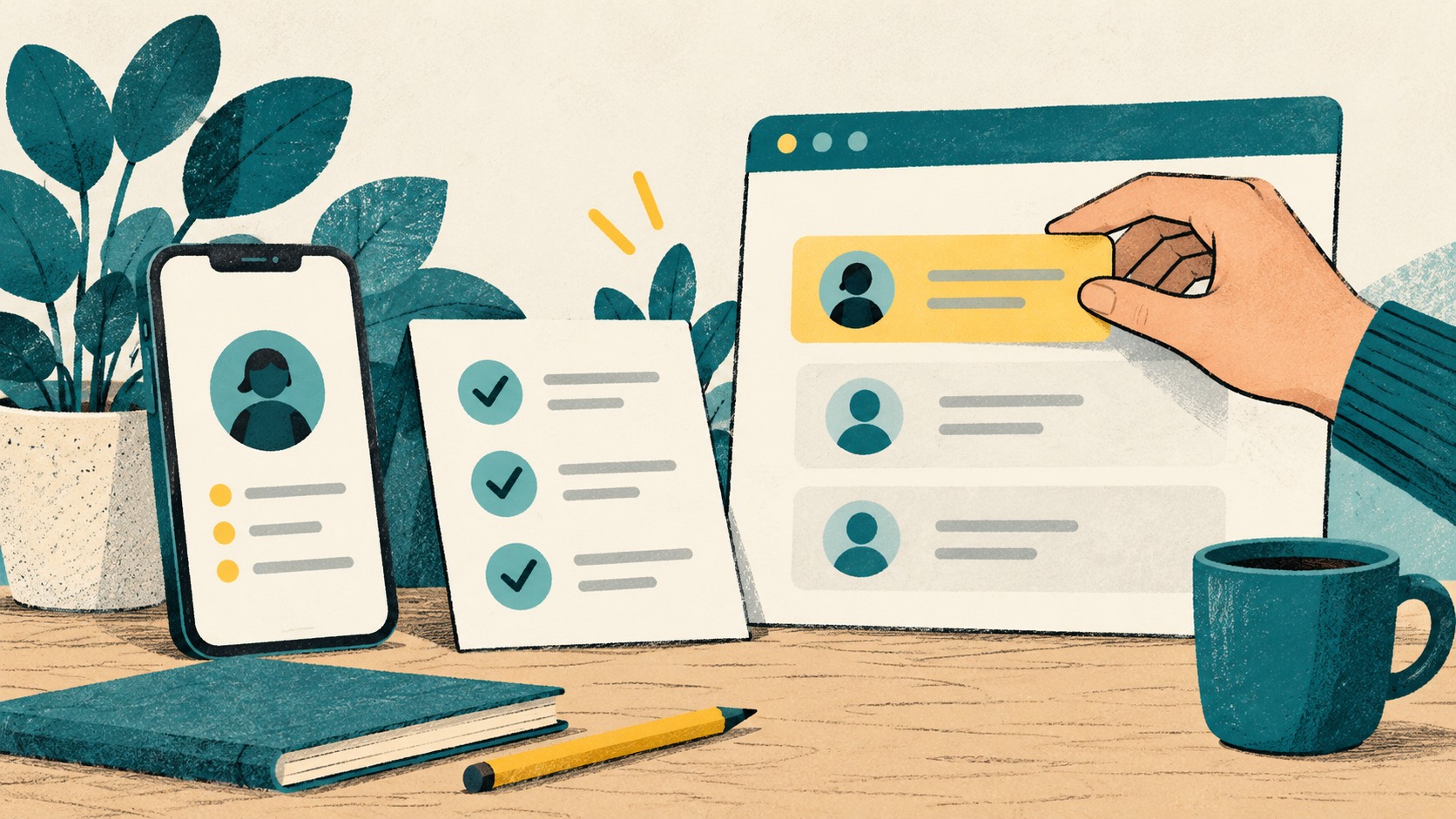
Open a website's two-factor settings, scan its QR and enter a code to finish. Here is the process from the start.
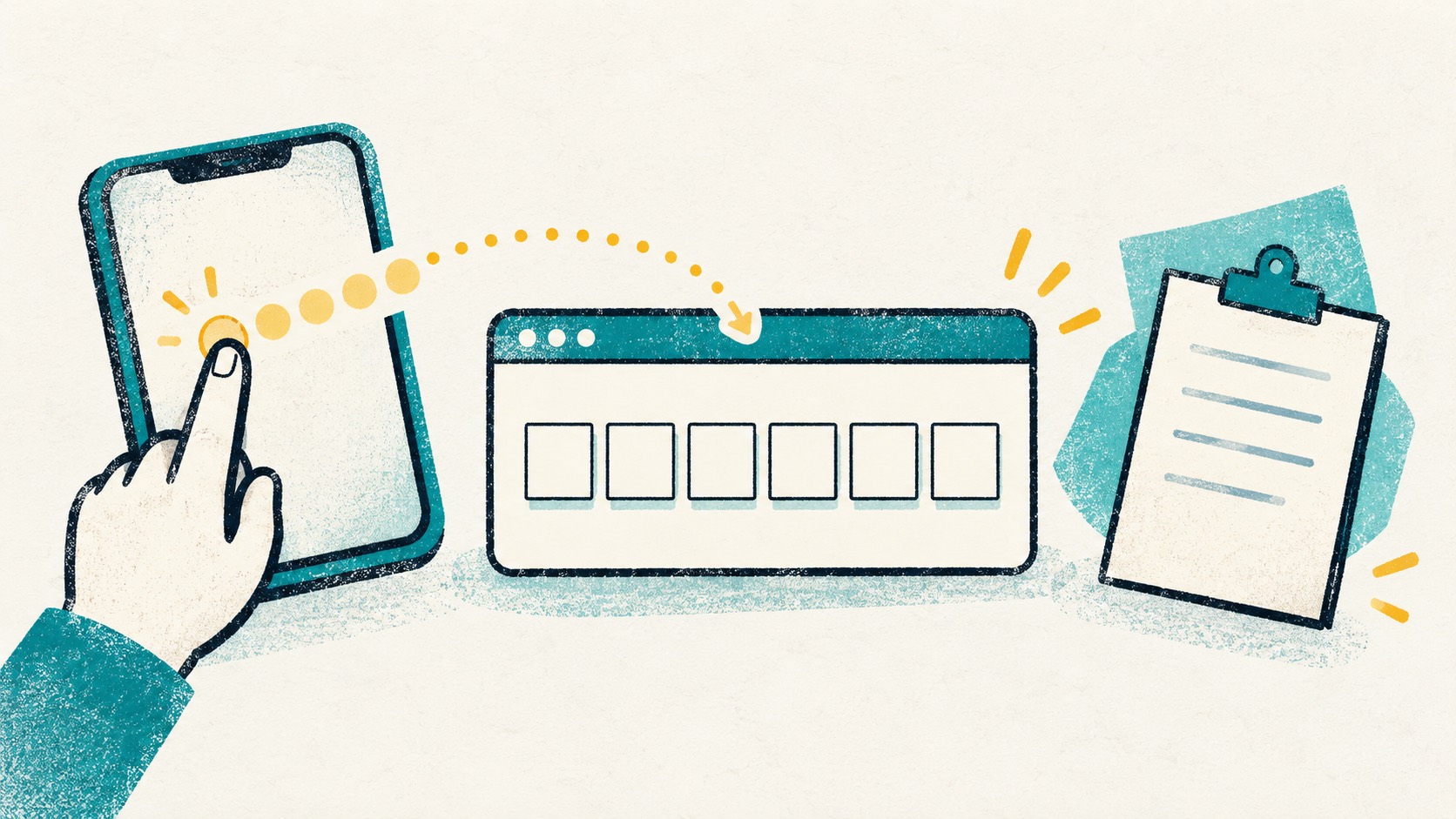
Find your code right in the browser. Copy it into the sign-in form or fill it directly on supported pages.

Local storage, cloud sync and backup files serve different purposes. Here is how to use each for daily access and device changes.
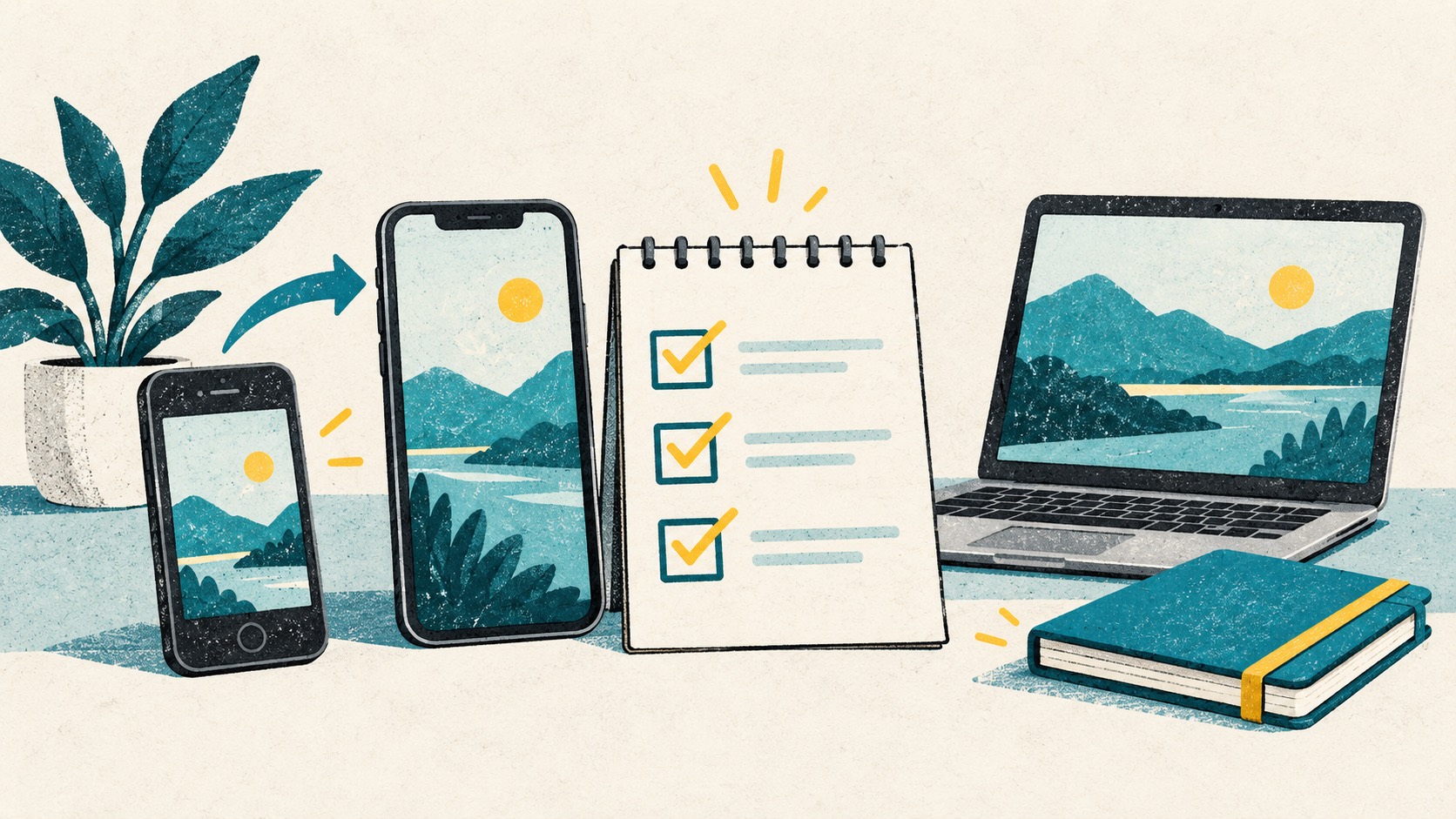
Get your codes onto the new device, save a backup, then retire the old one. Work through the steps without rushing the move.

Manage codes locally for free, or choose Pro to sync your phone and computer. Pick the setup that fits how you sign in.
 ChromeChrome Web Store
Install
ChromeChrome Web Store
Install
 EdgeMicrosoft Edge Add-ons
Install
EdgeMicrosoft Edge Add-ons
Install
 FirefoxFirefox Add-ons
Install
FirefoxFirefox Add-ons
Install
 SafariiPhone / iPad / Mac
Coming soon
SafariiPhone / iPad / Mac
Coming soon