Troubleshooting
Can an incorrect phone clock break authenticator codes?
TOTP codes use device time. Check automatic time settings before reinstalling your authenticator.
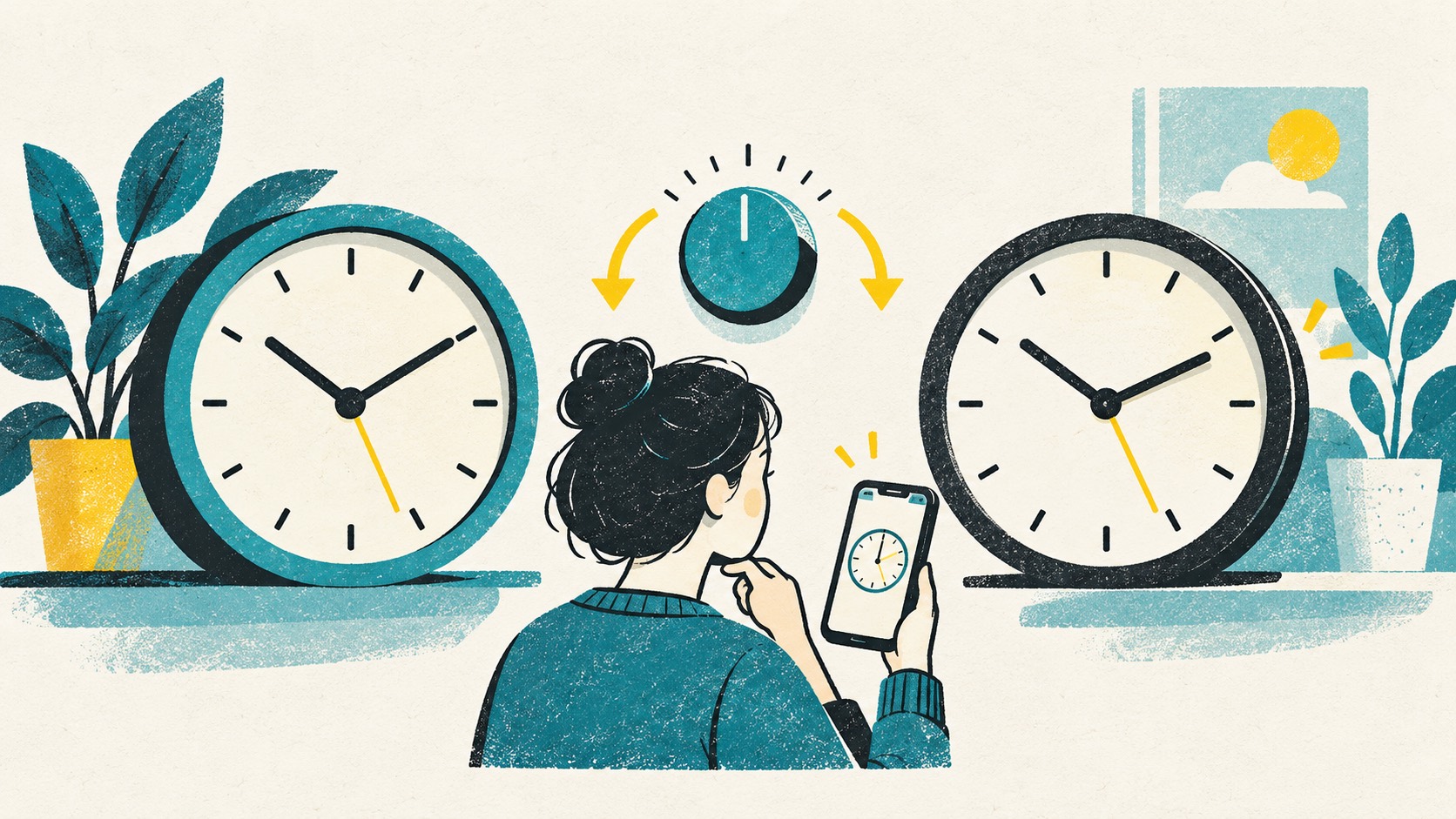
Yes. If the device clock is too far from the website's clock, a code can be rejected even with the correct secret. Enable automatic date and time, wait for the next code and try again.
In this article
When should you check the clock?
Several unrelated services rejecting codes while still accepting passwords is a reason to inspect the clock, not a definitive diagnosis. A single failing entry can instead reflect the wrong account, parameters or enrollment.
Record the device type, system version and when the problem occurred. Describe symptoms without copying setup material or current codes into your notes.
Do you need to adjust time after traveling?
A different local hour after travel does not by itself break TOTP. Accurate absolute time matters, not whether two devices display the same city.
Avoid manually compensating for hours on top of automatic time-zone adjustments. Let the system establish accurate time before observing a complete code interval.
Enable automatic date and time, then retry
Inspect automatic date and time and whether the device can contact its required time source. Managed devices may restrict changes; ask the administrator instead of bypassing policy.
Change only the clock, wait for the next code and make one test on the genuine service. If it still fails, investigate the account and enrollment rather than continuing until a rate limit obscures the original problem.
Can't find the time-correction setting?
Google's guide explains that Authenticator 7.0 and later use operating-system time rather than an in-app time-correction setting. Check the date and time settings on your phone or computer instead.
When using the Authenticator Cloud app and extension, enable automatic time on both devices and compare the next round of codes. Change one setting at a time so you can tell what worked.
References
See the official guides above for detailed setup instructions.

Pair the Authenticator Cloud app and extension so you can reach for whichever device is in front of you.