Security basics
HOTP or TOTP: which type should you choose during setup?
One uses an event counter; the other derives its input from time. Public examples explain the difference and why setup should match the website's instructions.
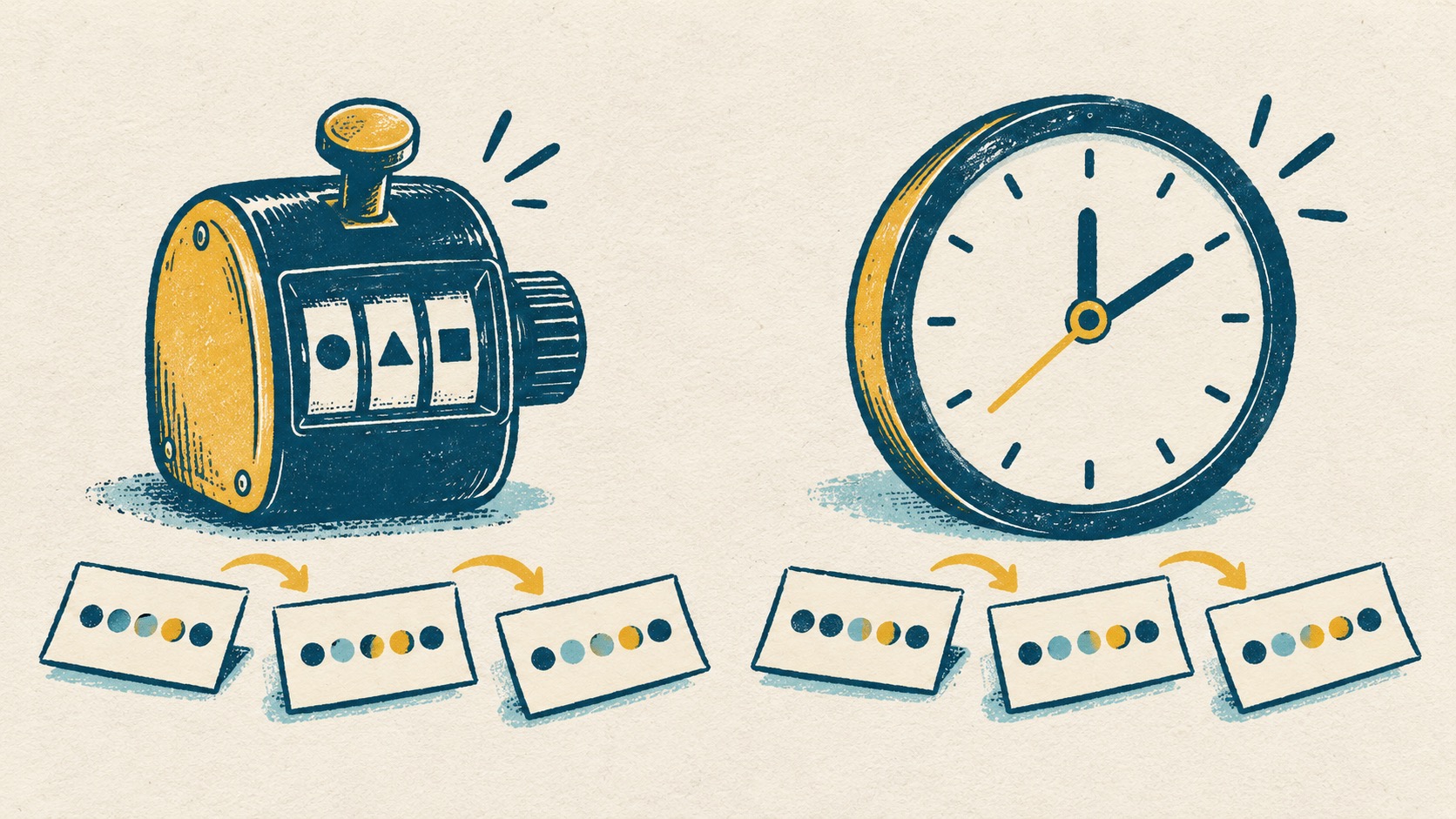
Use the type supplied by the website. HOTP uses an event counter, while TOTP derives a moving value from the current time step. The type, digit count and other parameters need to match the enrollment you are adding.
In this article
Start with the website's setup details
When adding an authenticator entry manually, you may see HOTP and TOTP as type options. Check which one the website supplies. If its setup page leaves that unclear, consult the service's official instructions.
The type determines an input to the calculation. Your authenticator needs to match the enrollment the service has created. A six-digit appearance alone does not identify the type, and wanting a faster refresh is not a reason to change an existing entry's type.
HOTP follows a counter, not a countdown
| Counter C | Six-digit HOTP |
|---|---|
| 0 | 755224 |
| 1 | 287082 |
| 2 | 359152 |
HOTP includes a counter called C. With the same key and other parameters, the same counter produces the same code. Elapsed seconds are not an input to that HOTP calculation.
These public examples come from Appendix D of RFC 4226. They use its ASCII test key 12345678901234567890, HMAC-SHA-1 and six-digit output. The key is for explaining the calculation, not for a real account.
TOTP turns the time into a step number
| Unix seconds | Time-step number T | Six-digit code |
|---|---|---|
| 29 | 0 | 755224 |
| 30 | 1 | 287082 |
| 59 | 1 | 287082 |
| 60 | 2 | 359152 |
TOTP uses the HOTP calculation with a value derived from time: T = floor((current Unix time − T0) / X). X is the time step and T0 is the starting point. RFC 6238 gives defaults of X = 30 seconds and T0 = 0; use the parameters the service supplies for your entry.
For a like-for-like example, the table below keeps the same public test key, HMAC-SHA-1 and six-digit output, then applies that formula. The seconds are measured from the Unix epoch, not from opening an app. These are derived examples, not the eight-digit test table in RFC 6238 Appendix B.
Look at what advances the input
For HOTP, the question is whether the counter has advanced. For TOTP, it is which time step contains the current time. In the example, seconds 30 and 59 use the same step number and produce the same code. Second 60 starts the next step.
Exactly which action advances an HOTP counter depends on the client. Do not assume every app increments it whenever you open an entry or copy a code; consult the instructions for the version you use. For more on time-based rotation, read why authenticator codes change every few seconds.
Match the details when you add an entry
Adding your first account to Authenticator Cloud? Continue with the guide to adding an entry and confirming a code. Set up one account you use regularly before organizing the rest.
- Confirm the type, then use the supplied digit count, algorithm and relevant period or counter details.
- Follow the service's enrollment flow and enter the current code back on its page to finish confirmation.
- If it rejects the code, check the service, account and setup details before experimenting with types or counters on a real entry.
References
See the official guides above for detailed setup instructions.

Follow the Authenticator Cloud setup guide, add the entry and enter its current code back on the website to confirm it.