Security basics
Do you still need an authenticator if you use passkeys?
Some websites accept a device unlock; others still ask for a code. You can use both without rushing to remove either one.

Check what each website supports. Passkeys let you approve a sign-in through your device, while an authenticator serves websites that still use rotating codes. Test a new method before removing an old one.
In this article
How passkeys and rotating codes feel in use
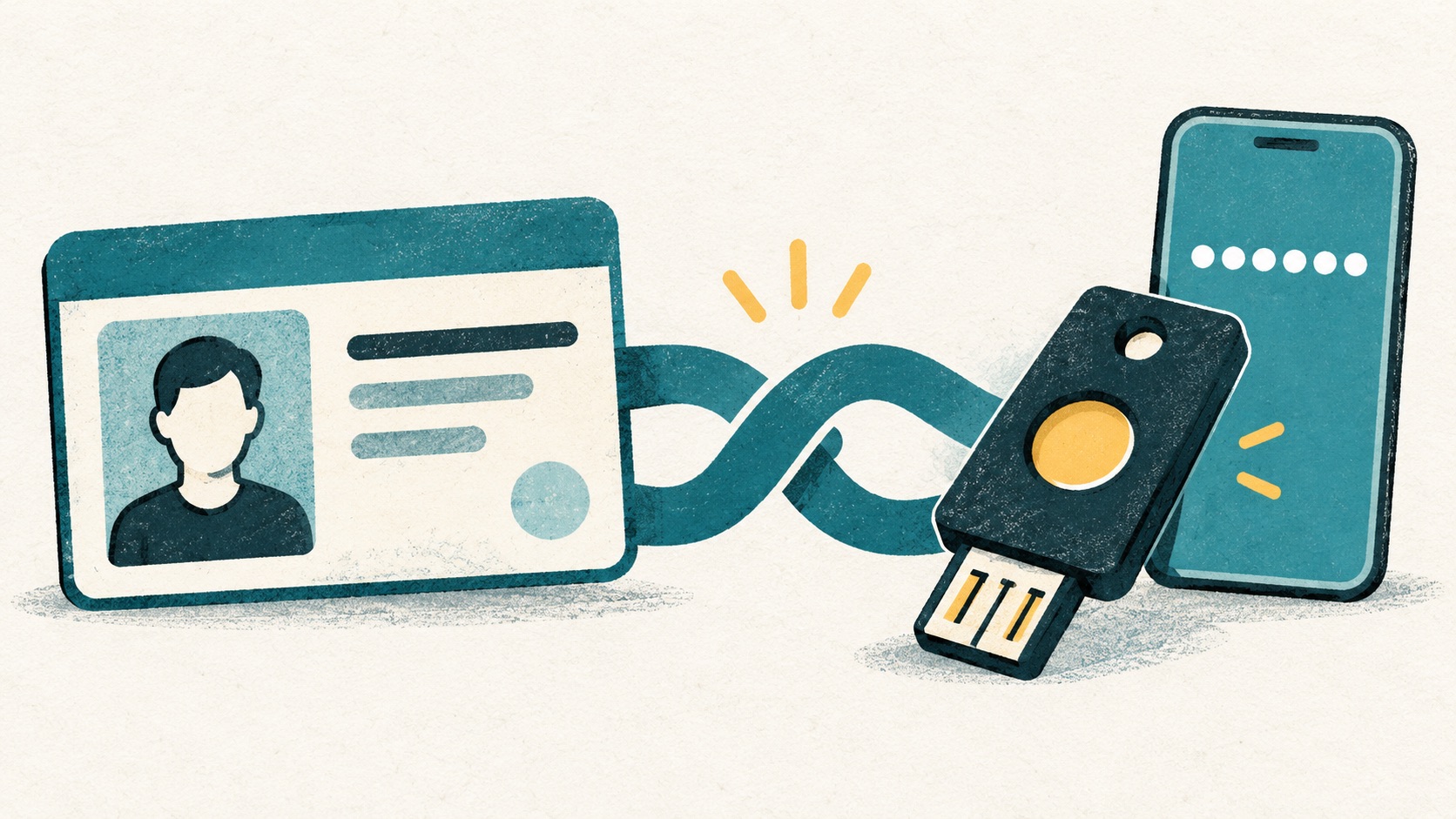
A passkey uses a public-key credential associated with a service. A typical authenticator computes a short code from a shared secret for you to enter. These are different mechanisms, not two visual designs for the same password.
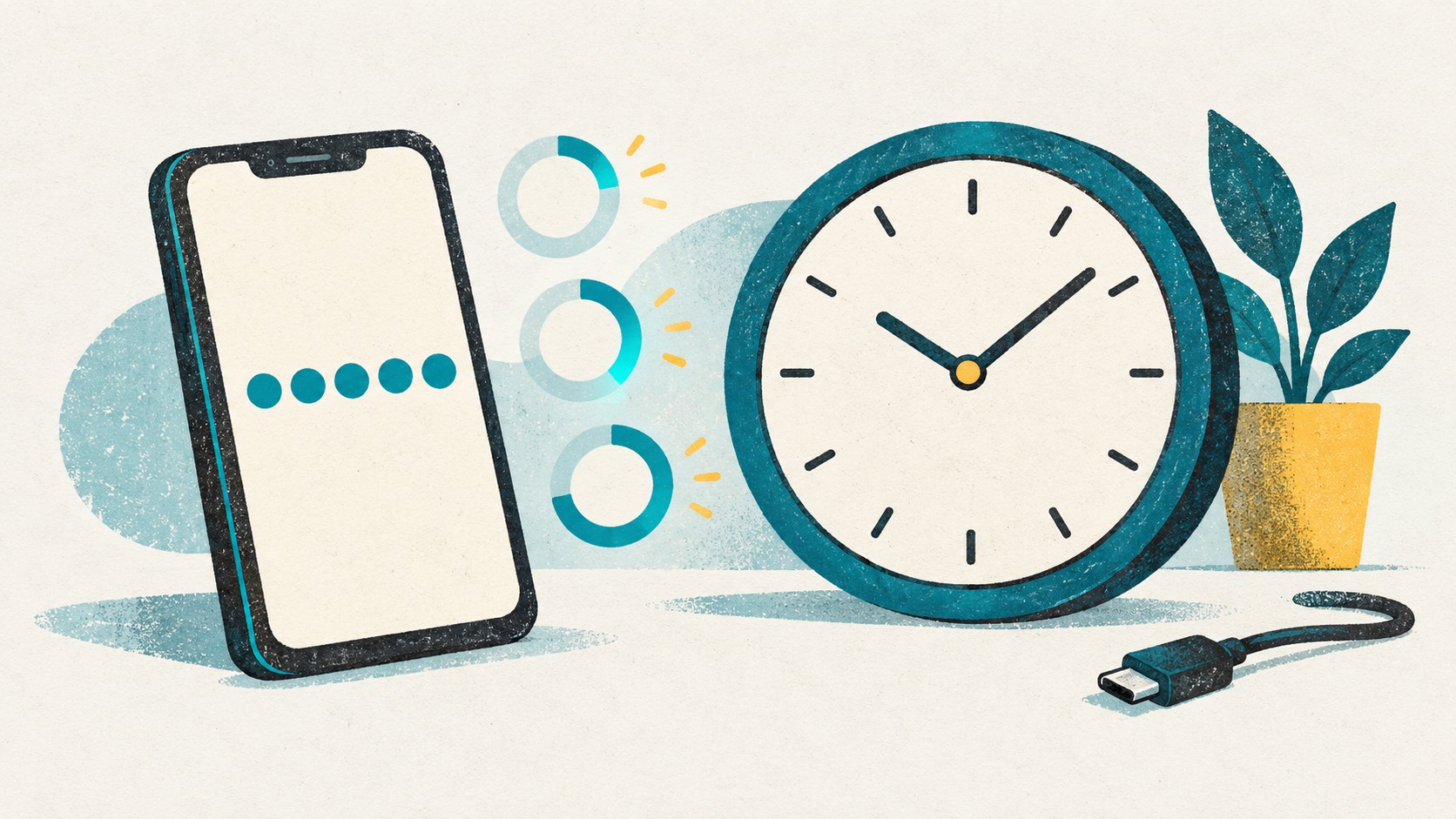
A rotating code does not itself know whether you entered it into the correct destination. Its short lifetime does not prevent immediate relay or misuse.
Check what your regular websites support
List your email, work services and other important accounts, then inspect their actual security settings. Available methods differ, and an organization may control which choices you are allowed to change.
A tool supporting passkeys cannot add that capability to every website. Keep a suitable method for services that do not support your preferred option rather than disabling the second step for consistency.
Try both methods before changing devices
Find out whether a passkey is synchronized by a credential provider or tied to particular hardware, and how another device gains access. For rotating codes, check whether entries have a recoverable backup or completed sync.
One successful unlock on today's device is not the whole test. Sketch what happens if the device is lost, the main cloud account is inaccessible and a spare device is unavailable. That exposes single points of failure.
Use what each website supports
Try device-based sign-in where a website offers passkeys. For websites that use rotating codes, organize and access them with Authenticator Cloud. Both can fit into your everyday sign-in routine.
Test a complete login after setting up a new method, then organize old credentials and recovery material. Follow your organization's requirements for work accounts.
References
See the official guides above for detailed setup instructions.

Organize website codes in Authenticator Cloud and find them from your phone or browser.