Product guides
How to name authenticator entries for several accounts
Personal, work and test accounts can look identical in an authenticator list. Use a consistent service, purpose and account label to make the right entry easier to recognize.
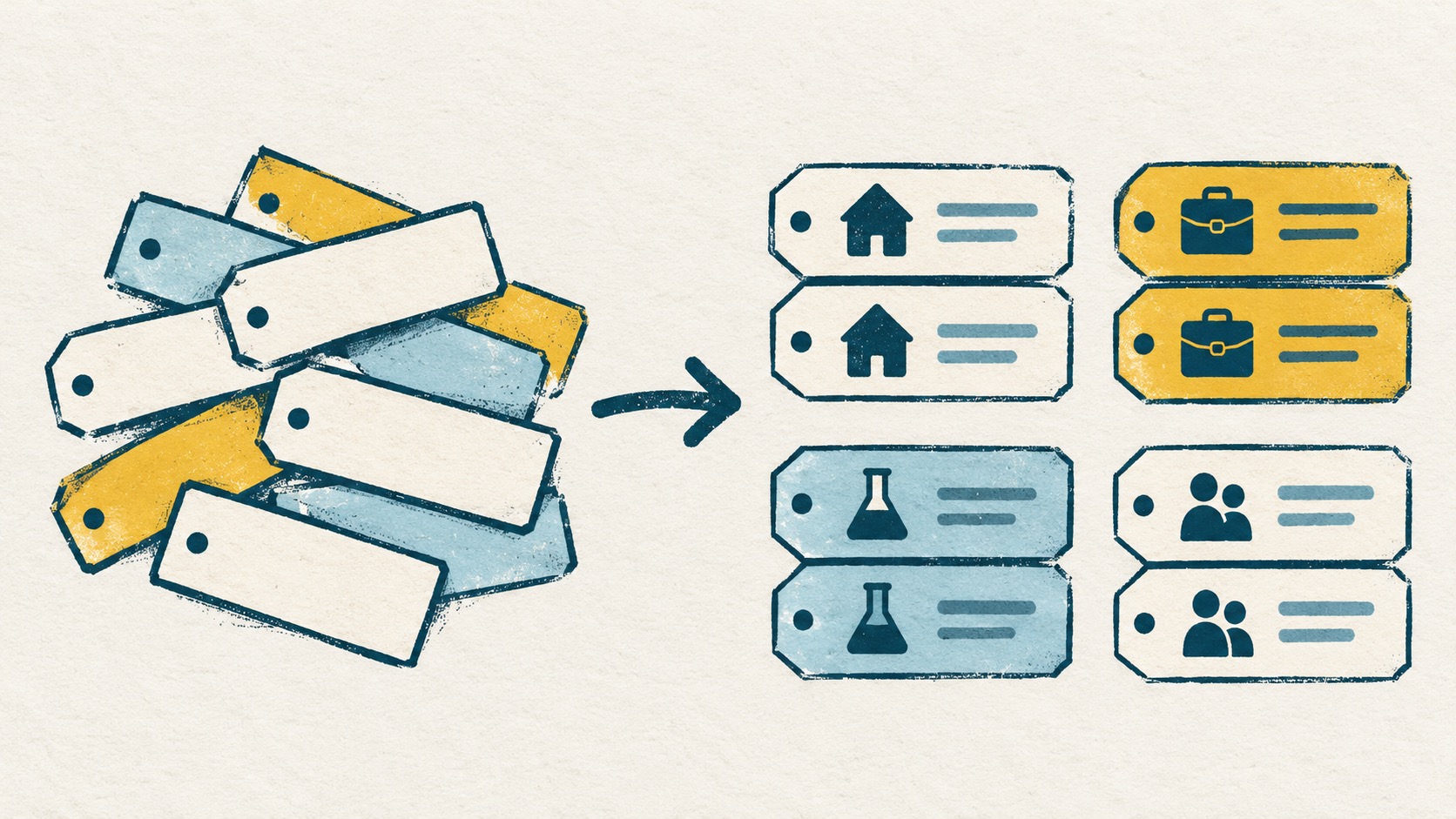
Keep three things recognizable: the service, the purpose and the account identifier. Pick a consistent order, then distinguish personal, work and test entries for the same service. Start with one confusing group rather than renaming your whole list at once.
In this article
For the same service, identify the account first
Two entries both called GitHub still leave a question: which one belongs to work, and which one is personal? The service name and icon do not answer that on their own. Add the details that distinguish the entries, such as their purpose and account identifier.
Think about what you check when signing in: an email address, a username or a project name. A stable, recognizable detail is more useful than another label such as GitHub 2.
Pick an order and keep using it
One straightforward pattern is service · purpose · account identifier. Read the service first, then Personal, Work or Test, and finally check the account. This is a naming suggestion; the separators make the examples readable, not a required product syntax.
If you usually look for accounts by project, use the project as the purpose, such as Project A or Test environment. Keep a consistent order within the group rather than putting the email first in one entry and only a temporary note in another.
- Service: the name you use for GitHub, AWS, Nextcloud or another service.
- Purpose: Personal, Work, Project A or Test environment.
- Account identifier: an email, username or clear alias you can check against the account.
Turn repeated names into recognizable entries
| Original name | Suggested label |
|---|---|
| GitHub | GitHub · Personal · [email protected] |
| GitHub | GitHub · Work · [email protected] |
| AWS | AWS · Project A · [email protected] |
| AWS | AWS · Test · [email protected] |
| Nextcloud | Nextcloud · Home · [email protected] |
| Nextcloud | Nextcloud · Work · [email protected] |
Here are several repeated names arranged into more recognizable labels. The addresses use IANA’s reserved example.com and example.org domains for illustration.
Include enough detail, not every detail
A service, purpose and recognizable account identifier are usually enough. A rotating code makes a poor note, and passwords or setup keys do not belong in the label.
Temporary, New account and Second account can become hard to interpret later. A specific project or work context is clearer. Matching names do not establish matching website bindings, and different names do not tell you which binding is still active.
Start with one group you often mix up
You do not need a naming plan for every entry at once. Pick one service with several accounts, compare the actual sign-in identities, and decide which details distinguish them. Making Personal, Work and Test recognizable solves a specific everyday problem.
When retrieving a code in Authenticator Cloud, find the entry for the account you are signing in to before reading its current code. Clear labels give you more to go on than an icon alone. Continue with the browser copy and fill guide for everyday code retrieval.
- Look at entries for the same service together and check that each has distinguishing information.
- Compare the actual account instead of guessing from an icon or a number.
- Organizing labels is not a reason to delete entries or re-enroll a website account.
References
- IANA: Example domains
- Authenticator Cloud: Getting started
- Authenticator Cloud: Browser copy and fill guide
See the official guides above for detailed setup instructions.

Use clear service and purpose labels to find the matching entry in Authenticator Cloud and retrieve its current code.