Security basics
Why do authenticator codes have six or eight digits and different timers?
Code length, time step and algorithm are separate settings. Here is what each means and why an authenticator entry should match the configuration supplied by the service.
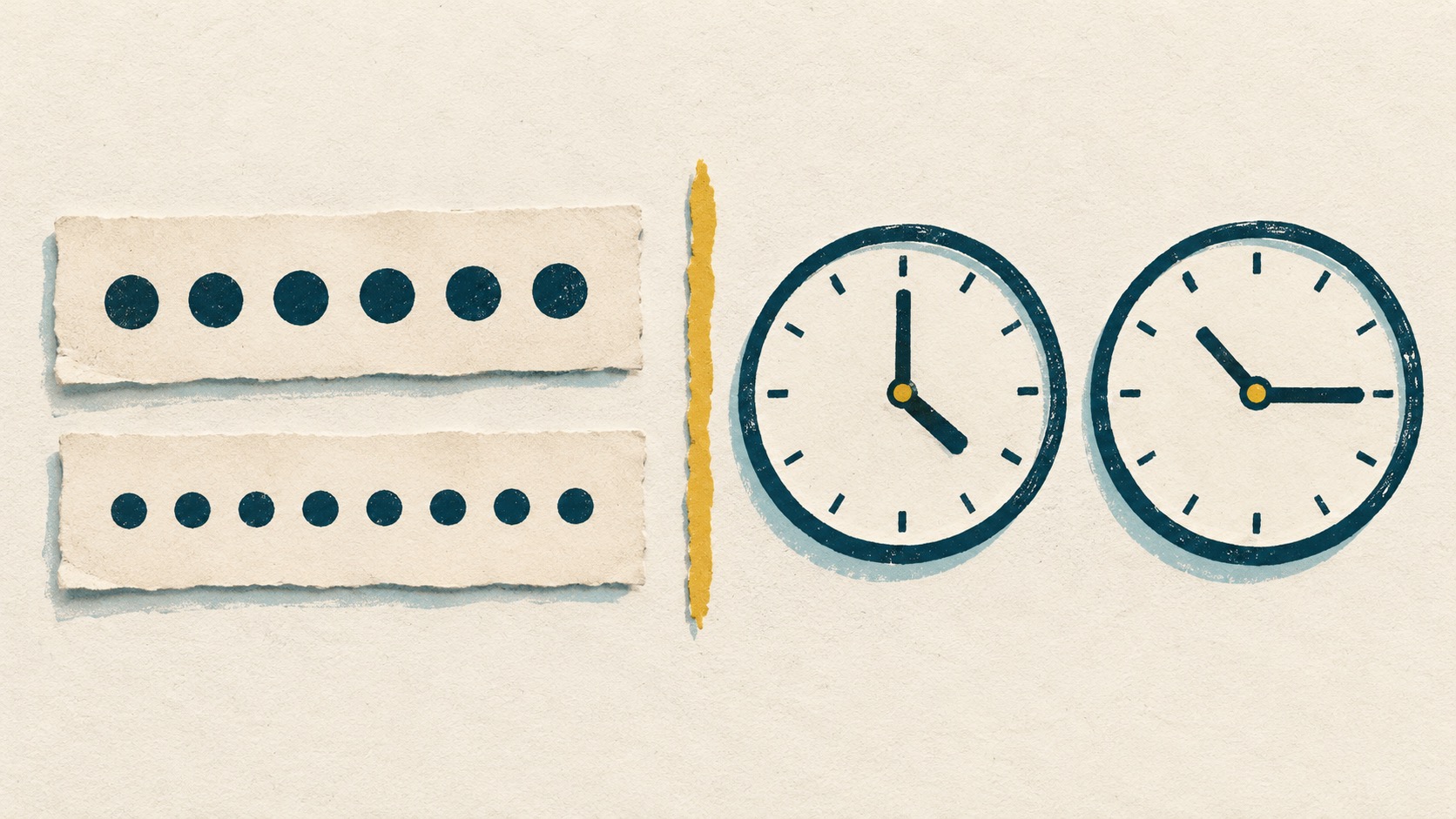
Six or eight digits sets the output length; 30 or 60 seconds sets the time step. The algorithm is another part of the configuration. Use the values supplied by the service rather than choosing a length or timer you prefer.
In this article
Length, time step and algorithm do different jobs
| Field | Meaning | Examples |
|---|---|---|
| Digits | Decimal output length | 6 or 8 digits |
| Period | Seconds used to calculate a TOTP time step | 30 or 60 seconds |
| Algorithm | The HMAC algorithm used in the calculation | HMAC-SHA-1, HMAC-SHA-256, HMAC-SHA-512 |
If one website asks for six digits and another asks for eight, compare their configurations. Making both displays the same length does not make their other settings match.
When adding an entry manually, check each field against the service's instructions. This table explains the fields; it is not a recommended configuration for every account.
The same public inputs, two output lengths
| Output length | Result for the public inputs above |
|---|---|
| 8 digits | 94287082 |
| 6 digits | 287082 |
Take the public SHA-1 test key from RFC 6238 appendix B, Unix time 59, T0 = 0 and a 30-second step. The appendix gives the eight-digit result 94287082. Applying RFC 4226's decimal reduction for six digits gives 287082.
The six-digit value below is recalculated from those public inputs, not quoted as an appendix B vector. These are explanatory examples, not codes for a real account.
Changing the period changes the time-step input
| Unix time (seconds) | Step with X = 30 seconds | Step with X = 60 seconds |
|---|---|---|
| 29 | 0 | 0 |
| 30 | 1 | 0 |
| 59 | 1 | 0 |
| 60 | 2 | 1 |
RFC 6238 calls the period X, with a default of 30 seconds. The time step is floor((Unix time − T0) / X). With T0 = 0, a 30-second configuration and a 60-second configuration can use different steps at the same instant.
At second 59, for example, the two configurations use different steps. A running countdown does not mean their inputs match, and the displayed timer does not define the website's acceptance window.
Use the values supplied by the service
Keep the supplied settings when adding an account. If it calls for eight digits, enter all eight. Do not change every entry to six digits and 30 seconds just to make the list look consistent. Check the algorithm too.
If an enrolled entry stops working, compare it with the original setup and check the account identity before experimenting with parameters. For a missing initial zero, see the leading-zero guide. For a complete code that is still rejected, follow the code troubleshooting steps.
- Treat output length, time step and algorithm as separate fields.
- Follow the service's configuration instead of shortening codes or trying settings on a live entry.
- Check missing digits, account selection and device time separately from parameter mismatches.
For everyday sign-in, find the matching entry
After adding a website account in Authenticator Cloud, find it by service and account name and retrieve the complete current code. Configuration belongs to setup; it is not something to choose again at every sign-in.
Start with the getting-started guide for adding an account, then use the browser copy and fill guide for daily code retrieval.
References
- RFC 4226: Digit parameter and decimal output
- RFC 6238: Time steps, algorithms and public test vectors
See the official guides above for detailed setup instructions.

Organize your website accounts in Authenticator Cloud, then view, copy or fill the matching code when you need it.