
Why phishing still matters after you enable two-factor authentication
Fake sign-in pages can ask for codes too. Learn how the trick works and which habits help you spot it.
 Authenticator Cloud
Authenticator Cloud Journal
Two-factor authentication, digital security and practical guides.
Fake sign-in pages can ask for codes too. Learn how the trick works and which habits help you spot it.
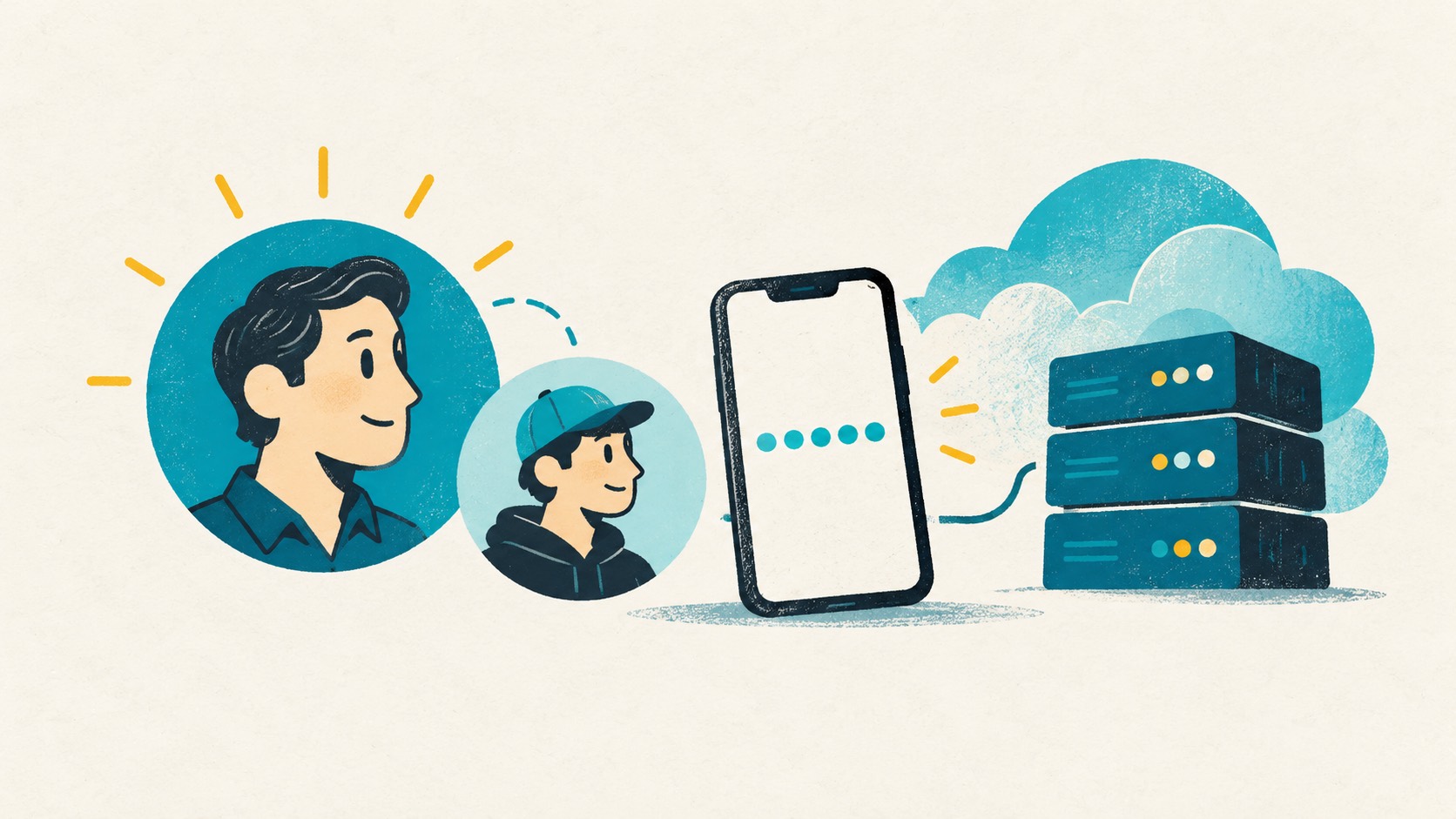
Find the MFA settings for the right identity, add a virtual authenticator and complete the requested code checks.

Photos and contacts may have moved, but authenticator entries need a separate check. Keep the old phone until the new one can sign in.

If you still want desktop access, start with an account list and move your entries over in manageable batches.
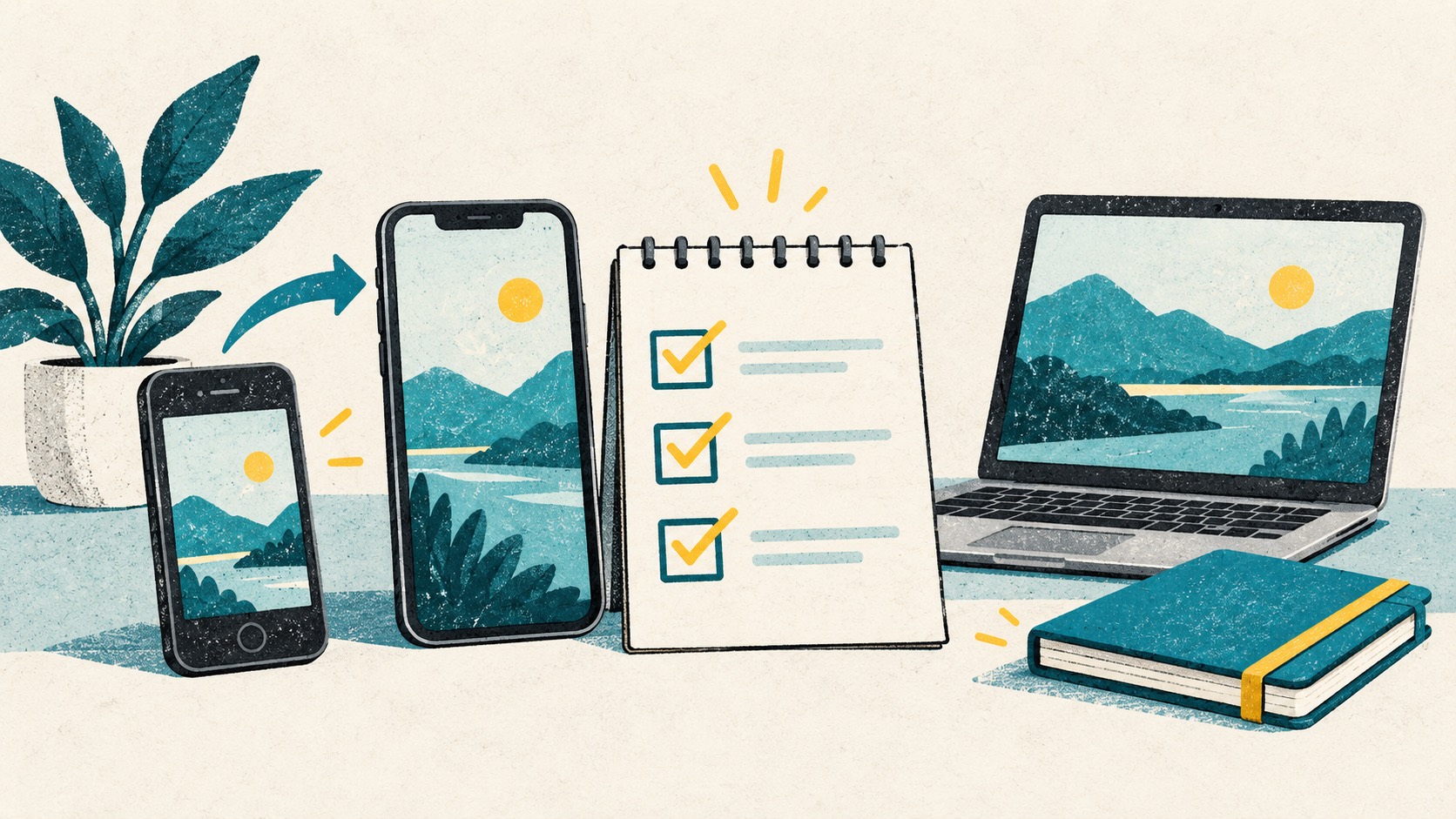
Get your codes onto the new device, save a backup, then retire the old one. Work through the steps without rushing the move.
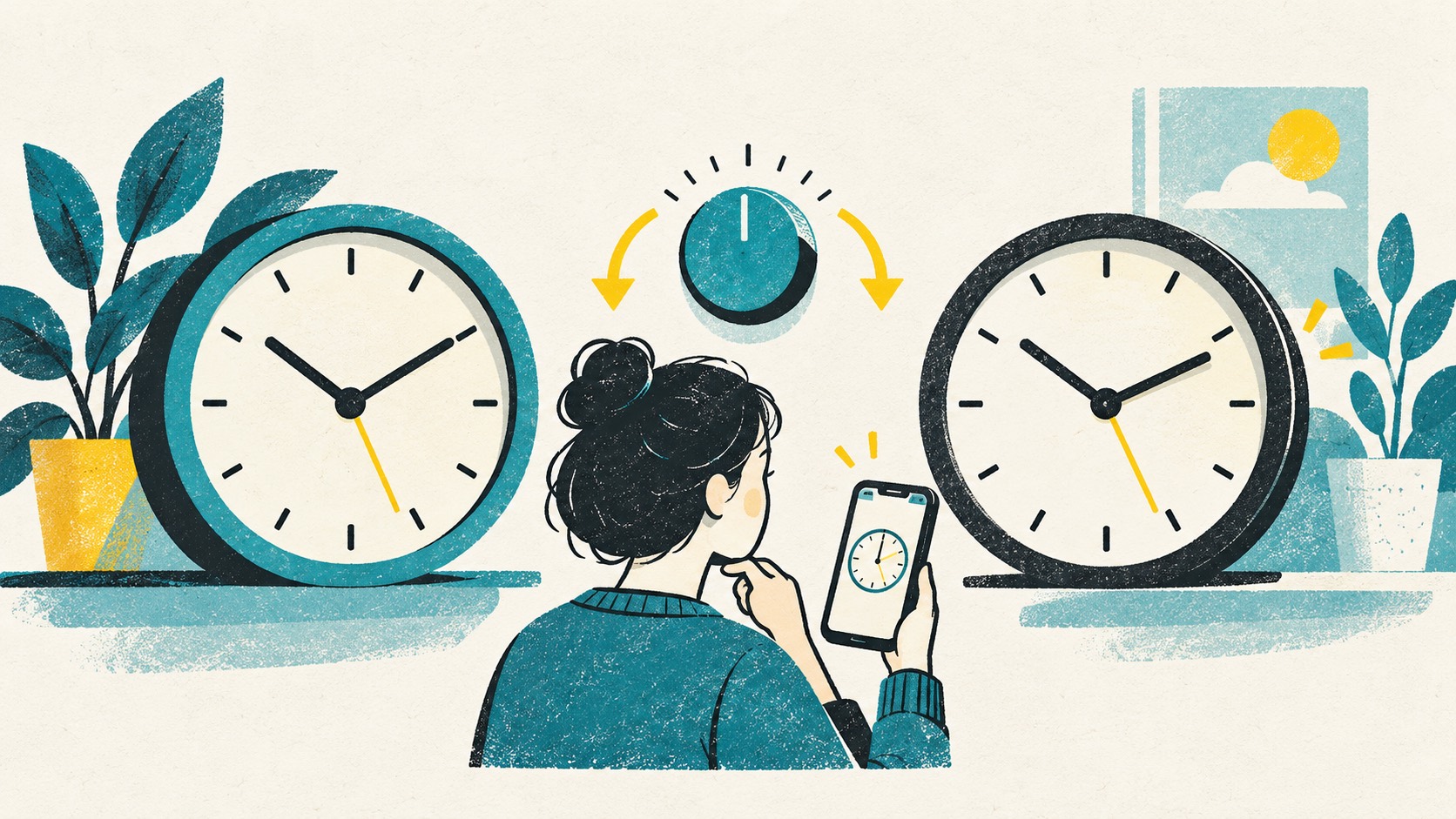
TOTP codes use device time. Check automatic time settings before reinstalling your authenticator.
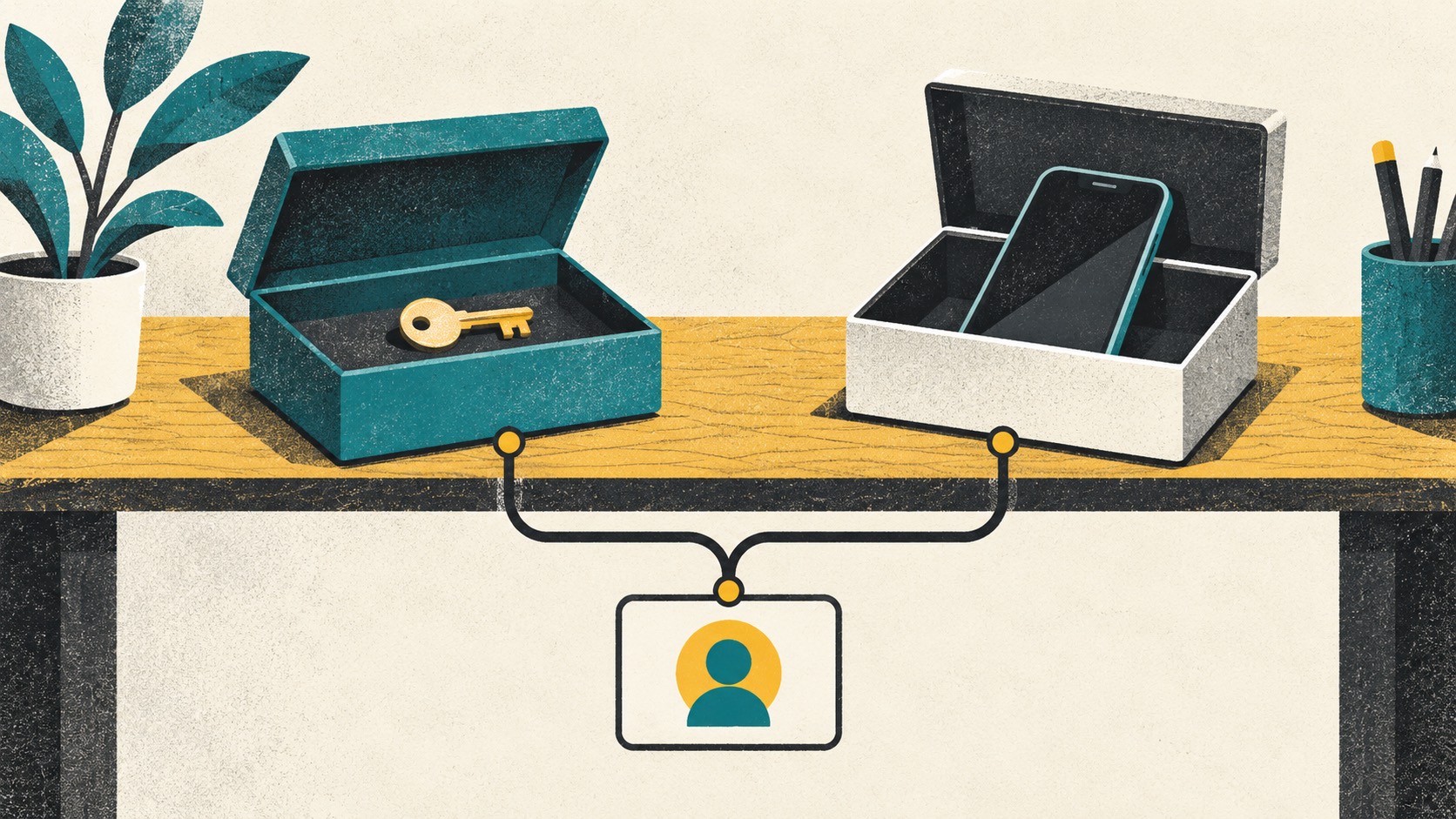
One place can be convenient; separate tools can work well too. Look at your devices, sync accounts and recovery setup before deciding.

Manage codes locally for free, or choose Pro to sync your phone and computer. Pick the setup that fits how you sign in.
 ChromeChrome Web Store
Install
ChromeChrome Web Store
Install
 EdgeMicrosoft Edge Add-ons
Install
EdgeMicrosoft Edge Add-ons
Install
 FirefoxFirefox Add-ons
Install
FirefoxFirefox Add-ons
Install
 SafariiPhone / iPad / Mac
Coming soon
SafariiPhone / iPad / Mac
Coming soon